How to Use This Device
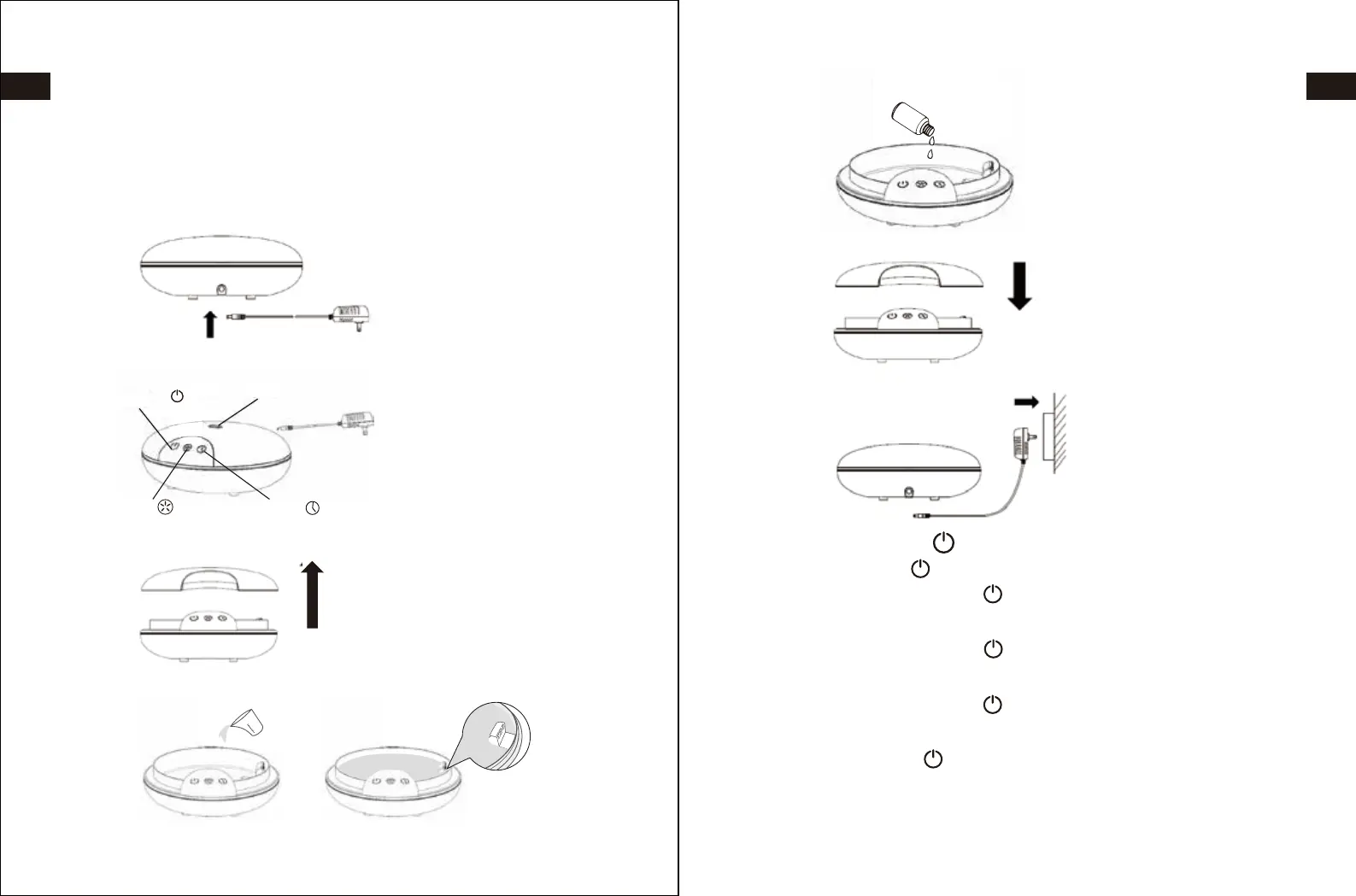
Power/Mist Button Functions
1. Pressing the Power/Mist button will turn the button green and start the
diffuser at a high vapour flow rate.
2. Pressing the Power/Mist button a second time will turn the button
orange and change to a low vapour flow rate.
3. Pressing the Power/Mist button a third time will turn the button red and
stop the vapour flow.
4. The Power/Mist button will blink red when the water level is low and
needs to be refilled. Vapor flow will stop automatically when water is low.
The Power/Mist button will turn red once the adapter is connected.
Power/Mist
Light Timer
Vapour Outlet
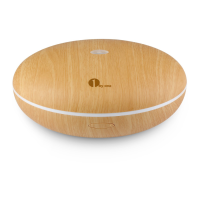
Thank you for purchasing 1byone Aroma Diffuser. This instruction manual
contains important information about safety, usage, and disposal. Use the
product as described and keep this manual for future use.
40ml
60ml
80ml
100ml
1. Plug the power adapter into the diffuser.
3. Remove the dome cover to expose the water reservoir.
4. Fill the reservoir with water up to but NOT OVER the MAX line as indicated.
2. Place the diffuser on a stable surface.
7. Plug the power adapter into an electrical outlet.
6. Place the dome cover back on the reservoir.
5. Add a few drops of your favorite essential oil.
01 02
EN
DE
FR
ES
JP
IT
EN
DE
FR
ES
JP
IT


 To Next Page