6 7
EN
DE
FR
ES
IT
EN
DE
FR
ES
IT
5.1 Weighing
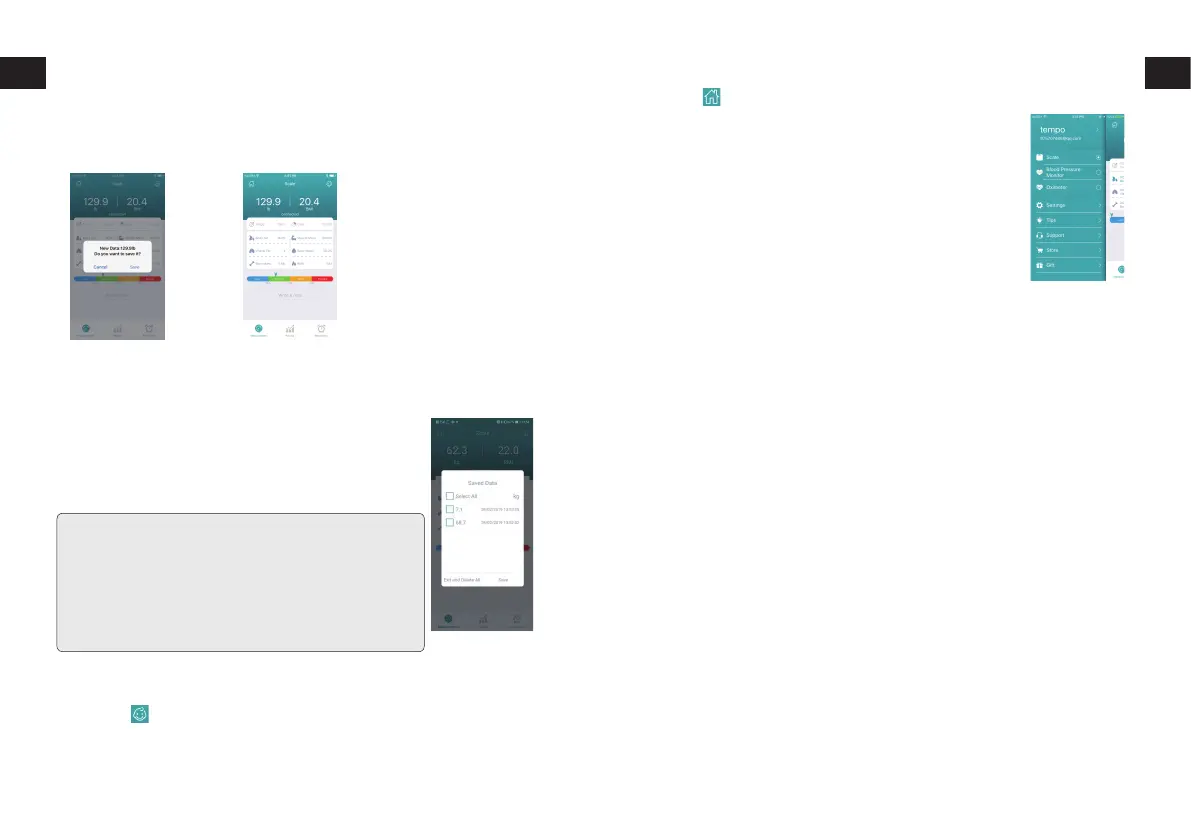
Step o the scale completely and then step back on the scale. After
stepping back on, the scale’s display will blink “----” three times and then
show a weight measurement (Image 9). Tap “Save” and the app will save
the retrieved measurement result (Image 10).
9 10
5.2 Syncing Oine Measurements
Once set up through the app, your scale will be
able to store any weight and body measurements
taken oine when your phone isn’t nearby and
automatically sync this stored data (up to 100 records)
the next time the scale and phone are connected.
Please Note: If two people using the scale have a
weight dierence of less than 2kg/4.4lbs, their data will
be saved as a single user.
Also, if any of the stored oine data is ±2kg/4.4lbs
dierent than the previously-recorded weights of users
in the app, the app will notify you of this abnormal data
when syncing and ask if you wish to save or delete it.
6. Baby mode
Press the button on top right to weigh baby who are too young to
stand on the scale.
Note: Baby mode doesn’t support body analysis.
Navigating the App’s Main Menu
Tap the button to access the main menu.
1. Prole
Reset user information and weight unit.
2. Settings
A. Sync saved data with Google Fit or Apple Health.
B. Upload saved data to cloud storage and download
data in the cloud to 1byone Health app.
C. Viewing paired devices and pair a new device.
D. Switch languages between English, German, French, Spanish, Japanese
and Italian.
3. Tips
Find solutions for potential smart scale issues.
4. Support
Write and send feedback about any issues or suggestions you have. A
reply will be sent to your registered email.
5. Store
Visit our store page to view additional products.


 To Next Page