14 / 20
Note By pressing the MORE and the KIT button for 2
seconds you will enter a menu where you are able to
switch to another KIT Bank. At next power up, DrumIt
Three will start with the last chosen KIT Bank.
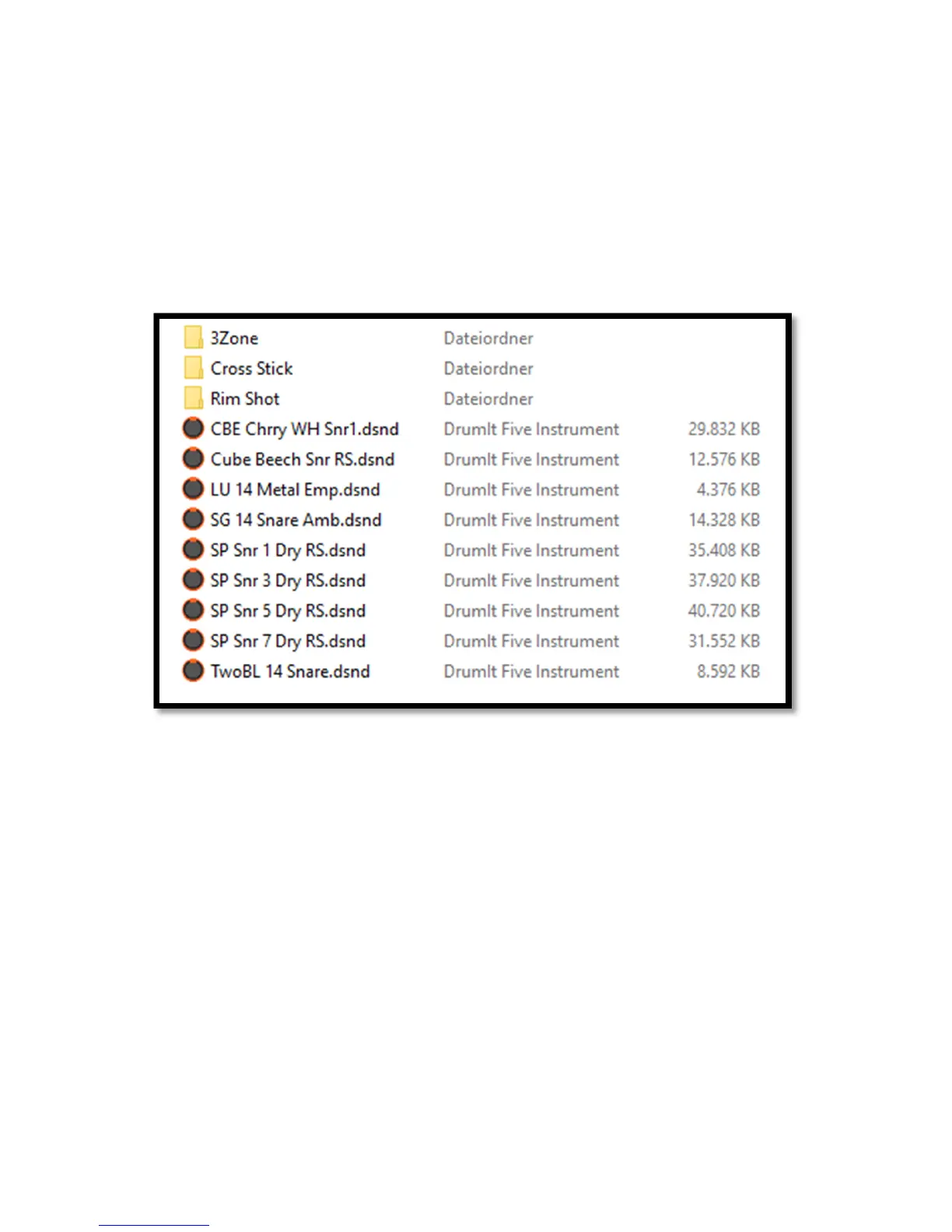
The folders contain the 2BOX sound files in the DSND format as well as play-along
songs in the WAV format.
Feel free to change the folder structure so as to organize the files in a way that
works for you. Given the DrumIt Three module’s display size, we recommend using
short folder names and working with a limited number of folder levels.



 To Next Page