20
EN
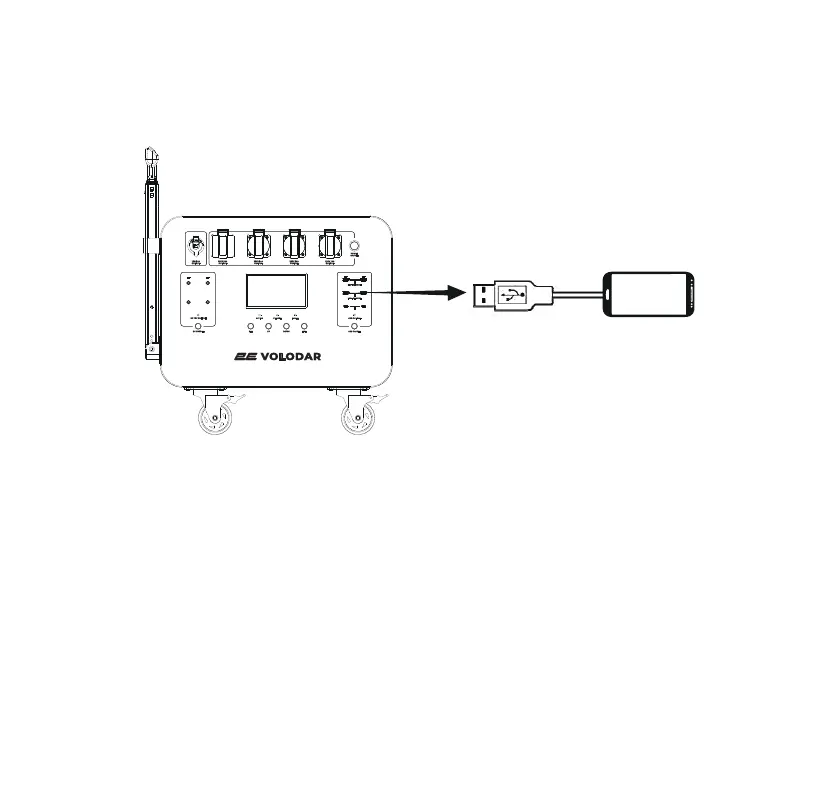
3) Powering USB digital devices
Turn on the power switch, connect the USB cable of the digital device to the USB interface of
this product, turn on the USB output to supply power to the digital device. If the power does
not start, plug and unplug the USB cable again.
4) Connecting the external batteries
The capacity of the device can be increased using original 2E external batteries. Up to 15
additional batteries can be connected to one power station.
Warning. Always turn off power station before connecting external batteries.
1) Turn off the power station before connecting batteries.
2) Connect RS communication sockets with a communication cable as shown on the picture.
3) Connect Positive and negative sockets with corresponding cables as shown on the picture.
4) Turn on the power buttons on power station and battery(batteries), then turn on desired
outputs.



 To Next Page