2
Installing the Wireless PC Card
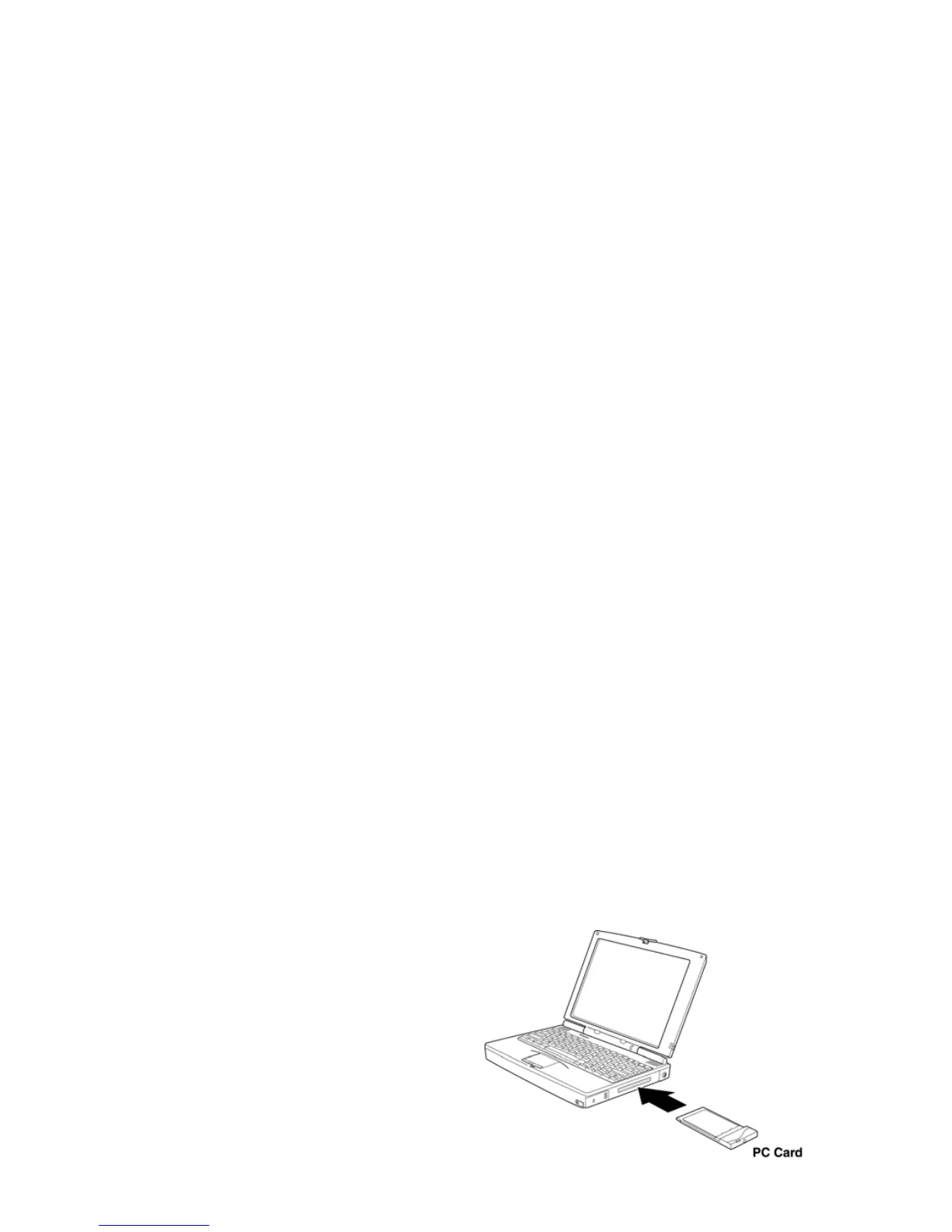
To install the Wireless PC Card, turn off
your computer and simply insert the
card into the PC Card slot. If you have a
desktop computer, you need to use an
internal wireless adapter in order to
insert the Wireless PC Card.



 To Next Page