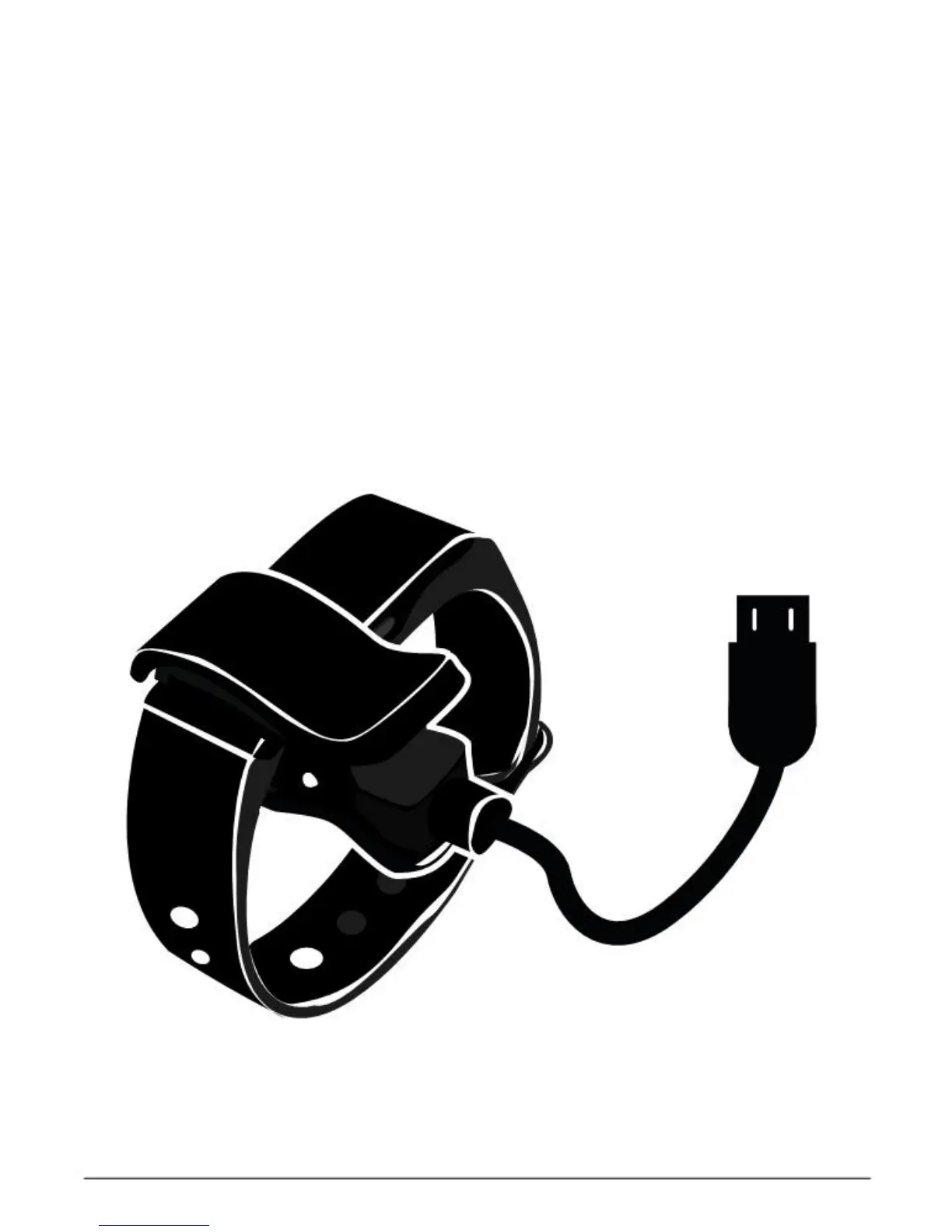
Charging
Insert the micro-USD cable into the band
charging stand. Connect the USD cable with
a power source.
A “Charging” icon will be shown on the screen. When the charging is
completed, a “Full” icon will be shown on the screen.
A full charge will take only one and half hours. When the remaining
charges are not sufficient, a
“
Low charges
”
icon will be shown on the
screen.


 To Next Page