Image Server 2000 Owner’s Manual Page 39
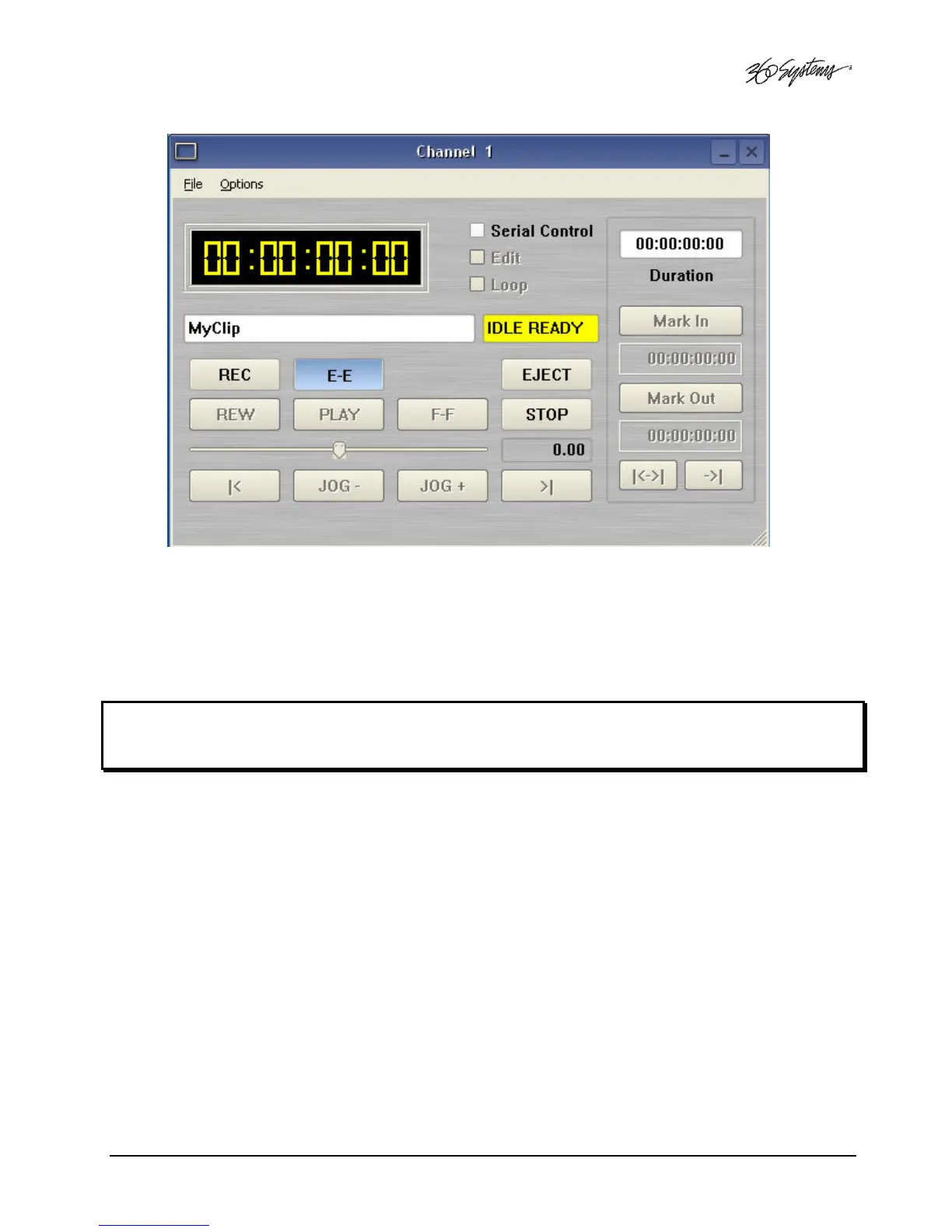
Figure 8 - Channel 1 Ready to Record
D. You may now click the RECORD button at any time to begin recording. The yellow time
display counters will update the clip duration continually.
E. To stop recording, click STOP.
Note: An in-progress recording must be at least 10 seconds long before it will appear in the clip list.
Hitting the STOP button to end the recording after less than 10 seconds will also cause the clip to
appear in the clip list



 To Next Page