Image Server 2000 Owner’s Manual Page 45
SYSTEM CONFIGURATION
The following configuration options apply to the System as a whole and not to individual channel
transports.
Assigning Names to the Server and Transport Channels
The Image Server can be assigned a name that will be displayed along the top of the Main GUI
Window. Each individual channel transport can also be given a name.
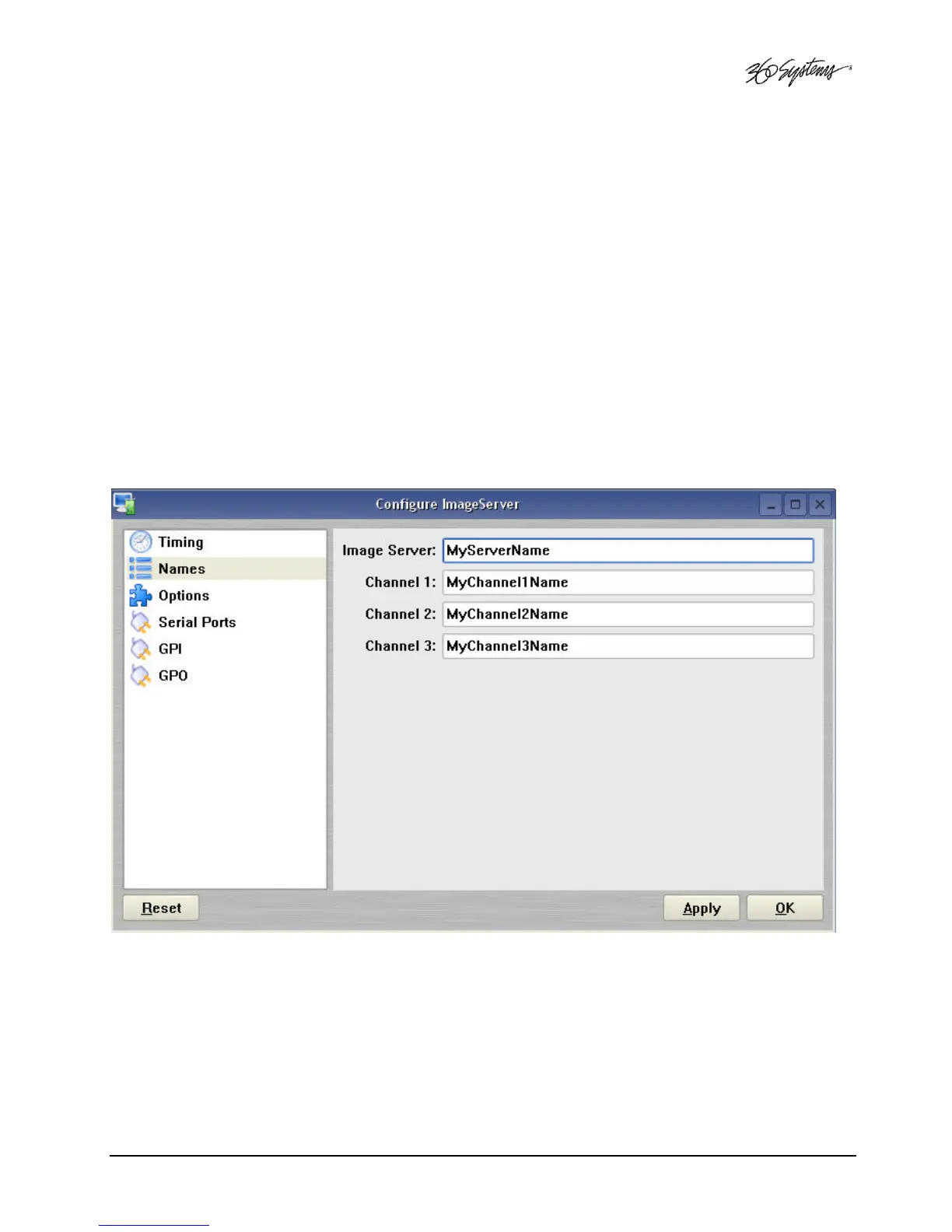
To assign a name to the server or transport channels, click EDIT>CONFIGURE>NAMES from the
main menu pulldown.
The screen of Figure 10 is displayed. Use the keyboard to type in a name for any of the selections.
Names can be up to 31 characters in length. Spaces, digits and other non-alphanumeric characters
may be used. Click APPLY to accept the name. The names will appear in their appropriate windows
immediately.
Figure 10 - Configure Names Screen



 To Next Page