Image Server 2000 Owner’s Manual Page 87
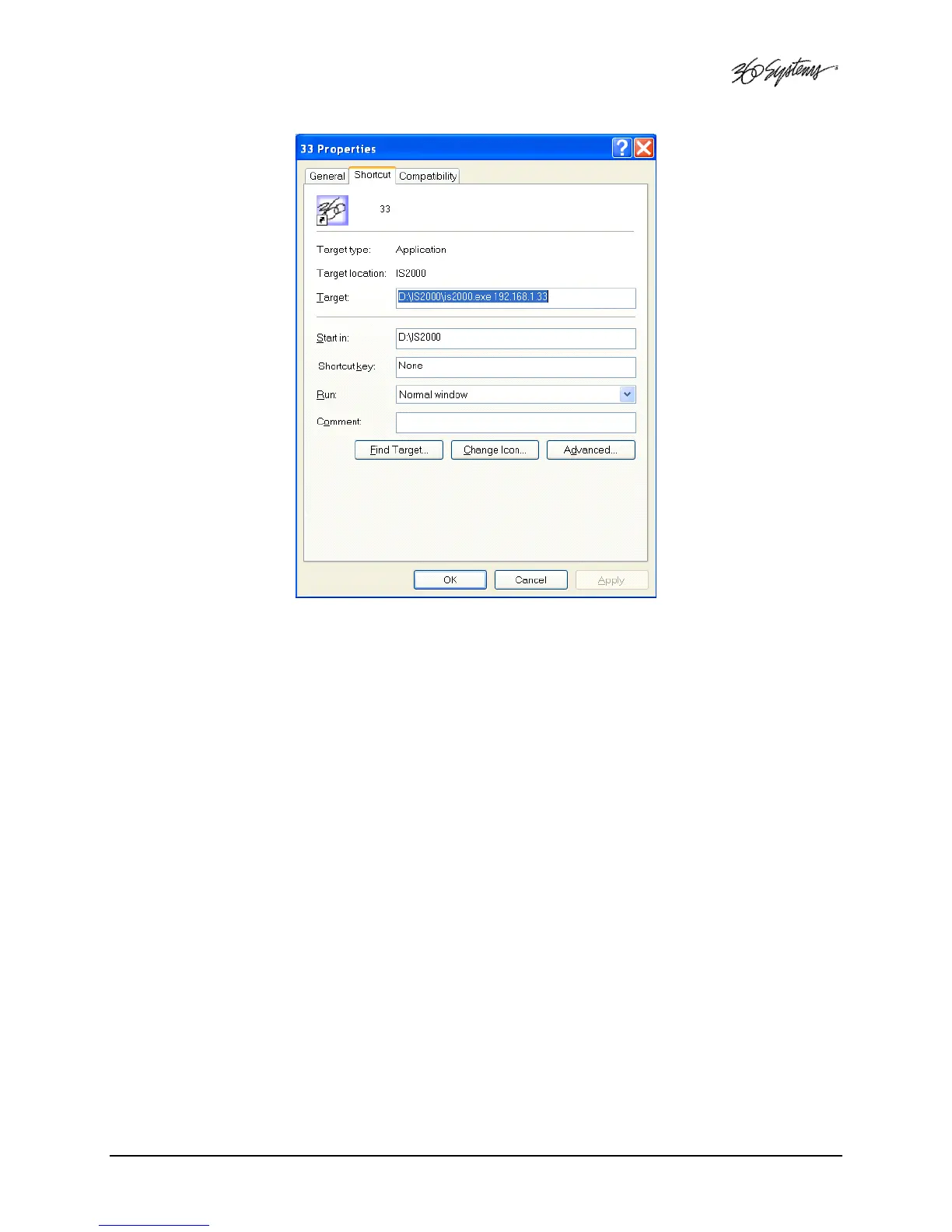
Figure 33 – Remote Workstation Properties Page
Because multiple simultaneous sessions of Remote Workstation may be run on a single computer,
it is possible to make copies of the Remote Workstation icon and change the IP address of each to
allow one-click access to any number of Image Servers. Simply right click on the Remote
Workstation icon and select Copy from the pop-up menu. Next, right click anywhere on the
desktop and select Paste. Finally, follow the instructions above to edit the IP address to match the
second Image Server.



 To Next Page