Image Server 2000 Owner’s Manual Page 91
Log-In to the RAID Utilities
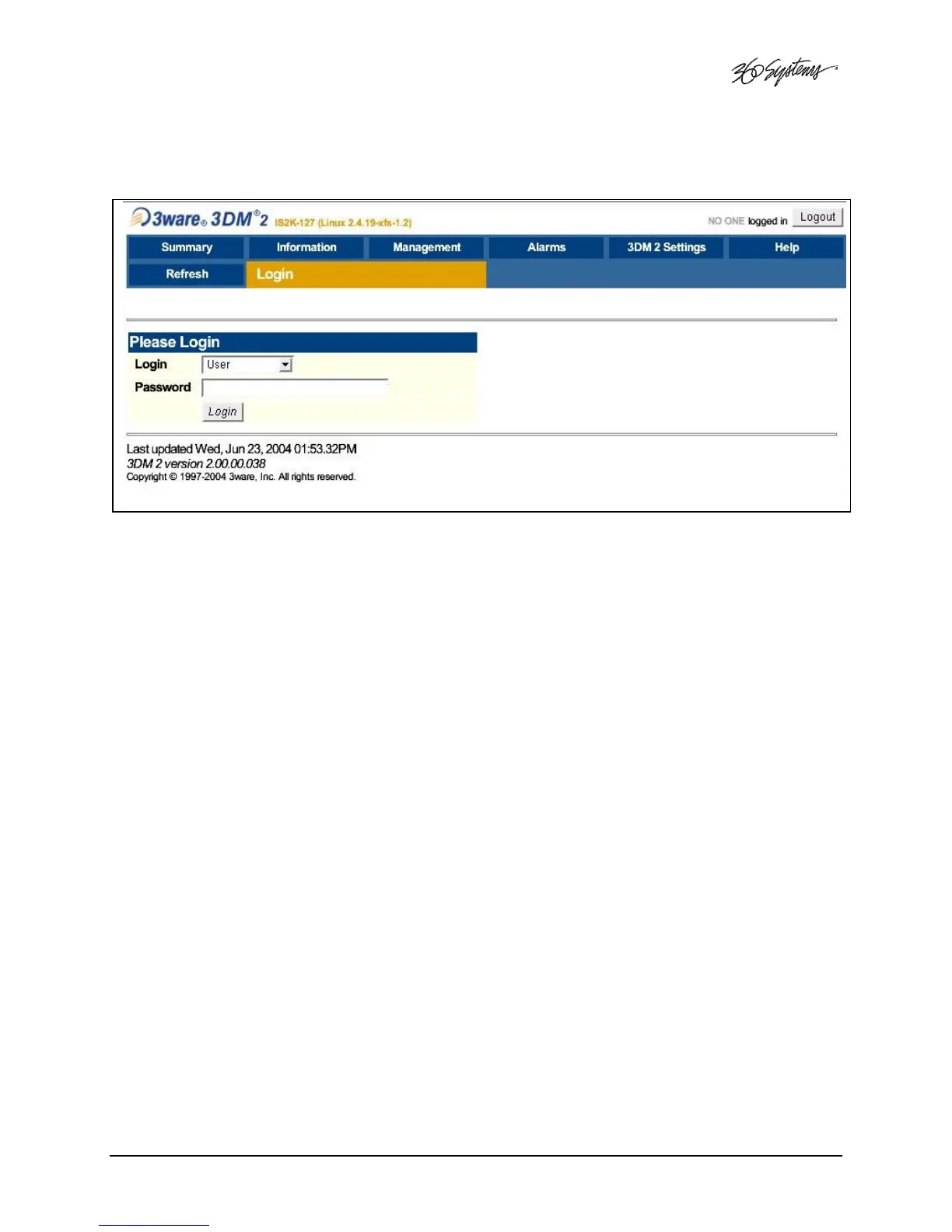
Figure 22: Log-In to RAID Utilities
To log in to the RAID utilities, perform the following steps. The above drawing will appear.
• Open the RAID utilities by selecting START>SYSTEM>RAID STATUS
• In the Login window, enter ADMINISTRATOR.
• In the Password window, make no entry; leave it blank. In the event this does not work,
use the password “3ware”.
• Click the Login button to enter the Login Utilities.



 To Next Page