15
3
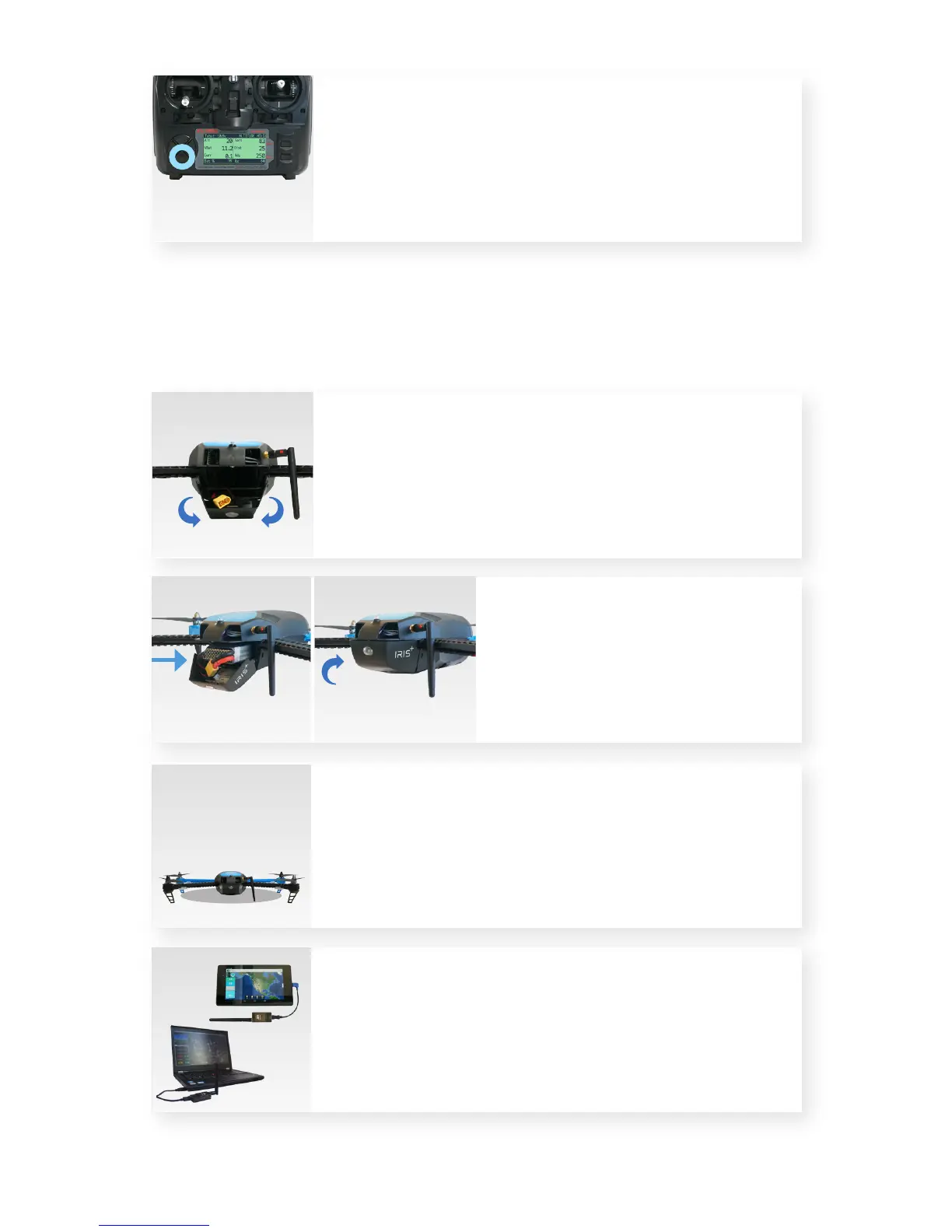
Connect battery.
Press the sides of the battery
compartment together and
rotate the door down.
Insert battery, and attach the yellow
connectors. To close, squeeze the door,
and rotate up until it clicks into place,
ensuring that the battery cables do not
interfere with the LED cables.
Place IRIS at the launch point
with the black arms facing
towards you and the blue arms
facing away from you.
Connect the radio to your ground station, and select Connect.
An optional ground station lets you view live data in
flight and unlock IRIS’ advanced autonomous features.
To download a ground station app for you laptop or
Android device, visit 3dr.com/iris/info.
Press and hold the DN button on the controller to
view flight data from IRIS. See the Flight Checklist
for more information about controller flight data.



 To Next Page