8
THERMAL GIMBAL FOR 3DR SOLO MANUAL
Installing the Gimbal
GIMBAL INSTALLATION:
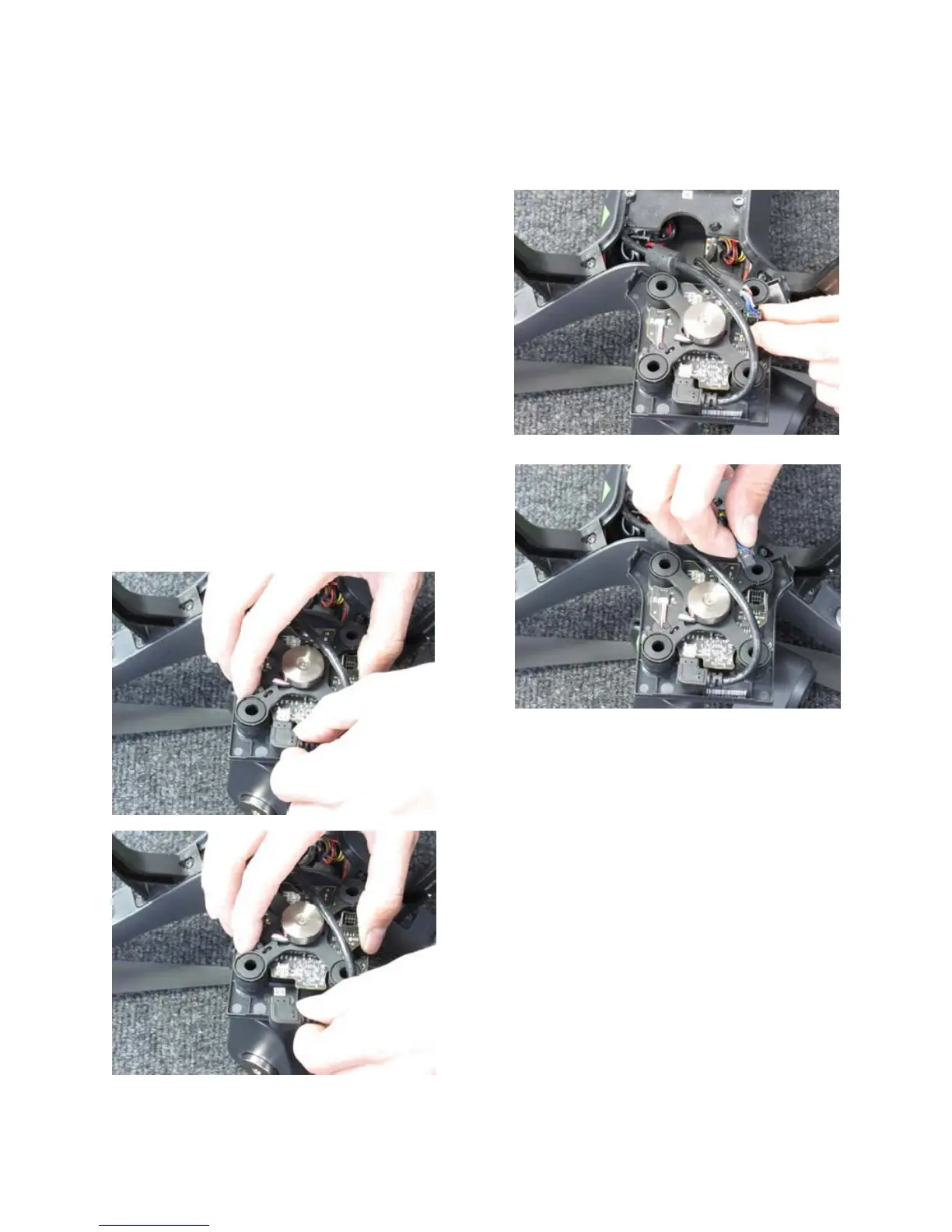
Disconnect the Power / Data Cable by pressing
the locking tab and gently lifting the connec-
tor straight up from the board as shown: (Fig.
11&12)
To disconnect the HDMI cable, gently sepa-
rate the cable from the connection by pulling
away from the board. (Fig. 13&14)
Once you have disconnected both cables,
store the existing gimbal in a safe place for
future use.





 To Next Page