20
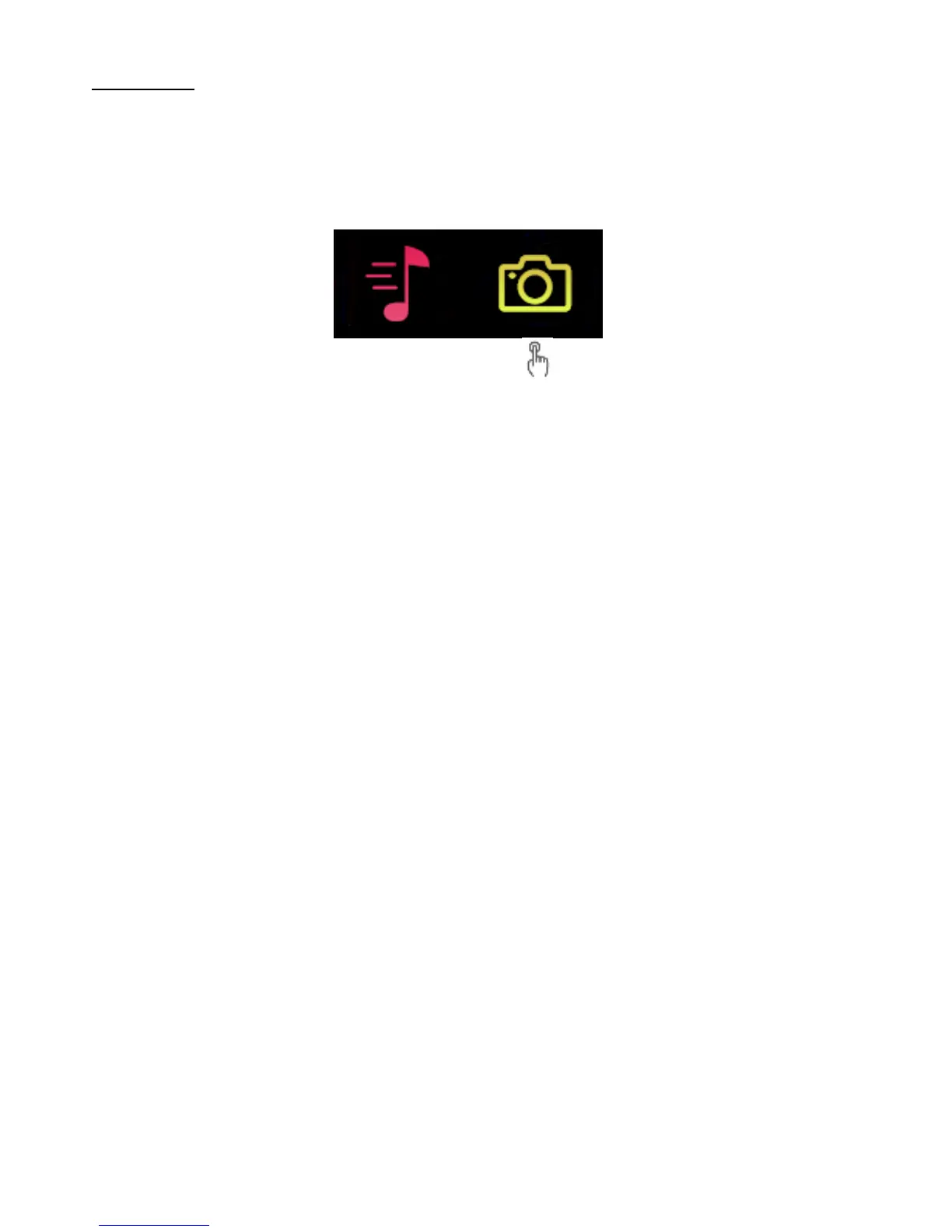
Camera
Tap on the “Camera” icon to enter the camera control
mode.
This feature allows you to control your smartphone camera
with a tap on the HR device.
Open the 3Plus Elite Series App, head to the settings and
look for the “Camera” option. (The camera must be open
from the 3Plus Elite Series App in order to take pictures)
Use the front or back facing camera and position your
phone where you want to take a photo. Tap on the camera
icon on the HR and when the countdown ends, your
smartphone will snap a picture and save it to your phone.


 To Next Page