26
To dismiss a notification, simply swipe left or right on the
band’s screen. If the notification is not dismissed, it will
reappear next time you turn on the screen.
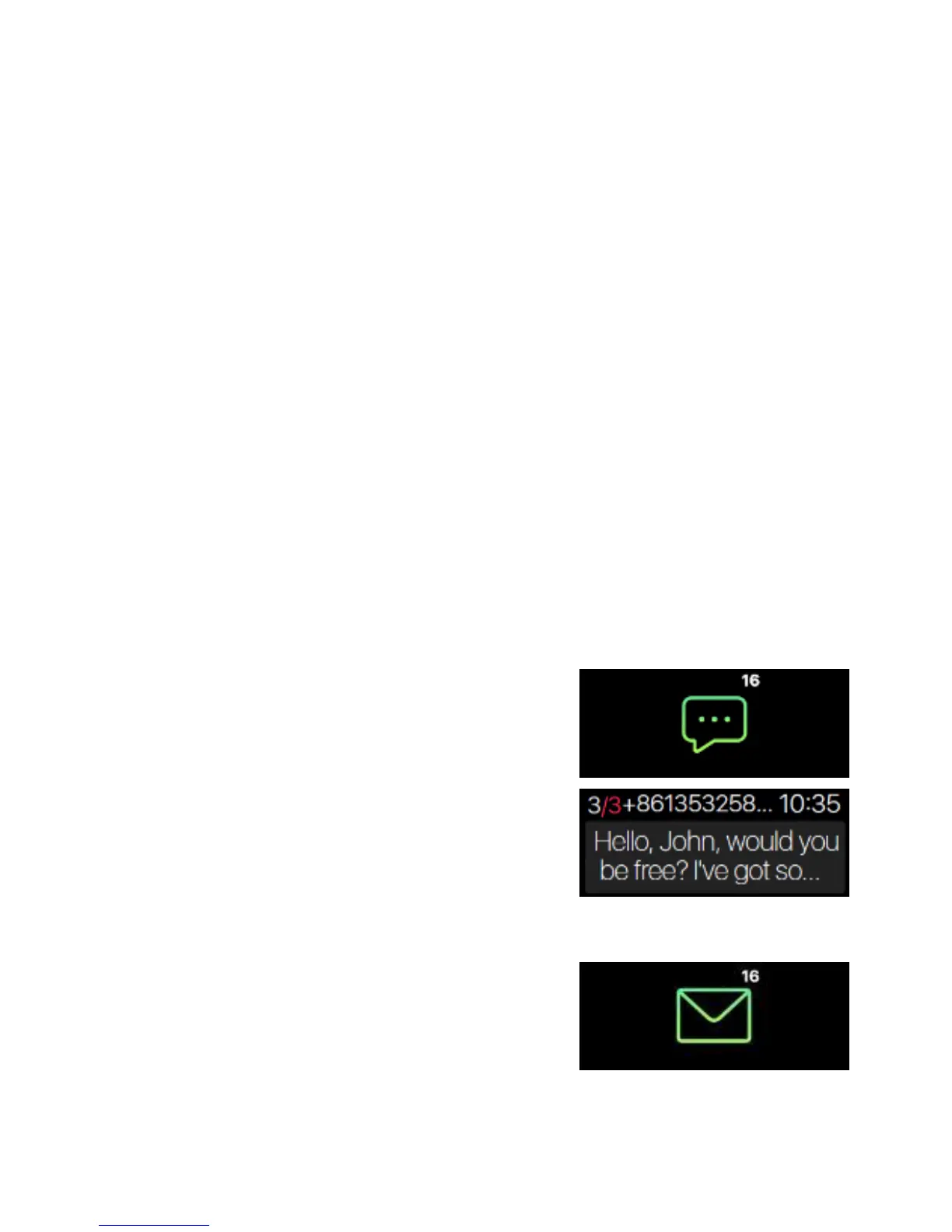
To read a notification, simply tap on the icon to read the
message. When there are multiple text notifications, slide
the screen to check each one of them individually.
(Only texts (SMS), missed calls, and calendar events. Each
message will display up to 3-pages of content. Messages
exceeding 3 pages will be replaced with “…” at the end of
the text.)
Text notifications:
Click on the icon to check your
incoming text messages.
Email:
Notifications will be automatically be
synced with your smartphone’s
default email app.


 To Next Page