6
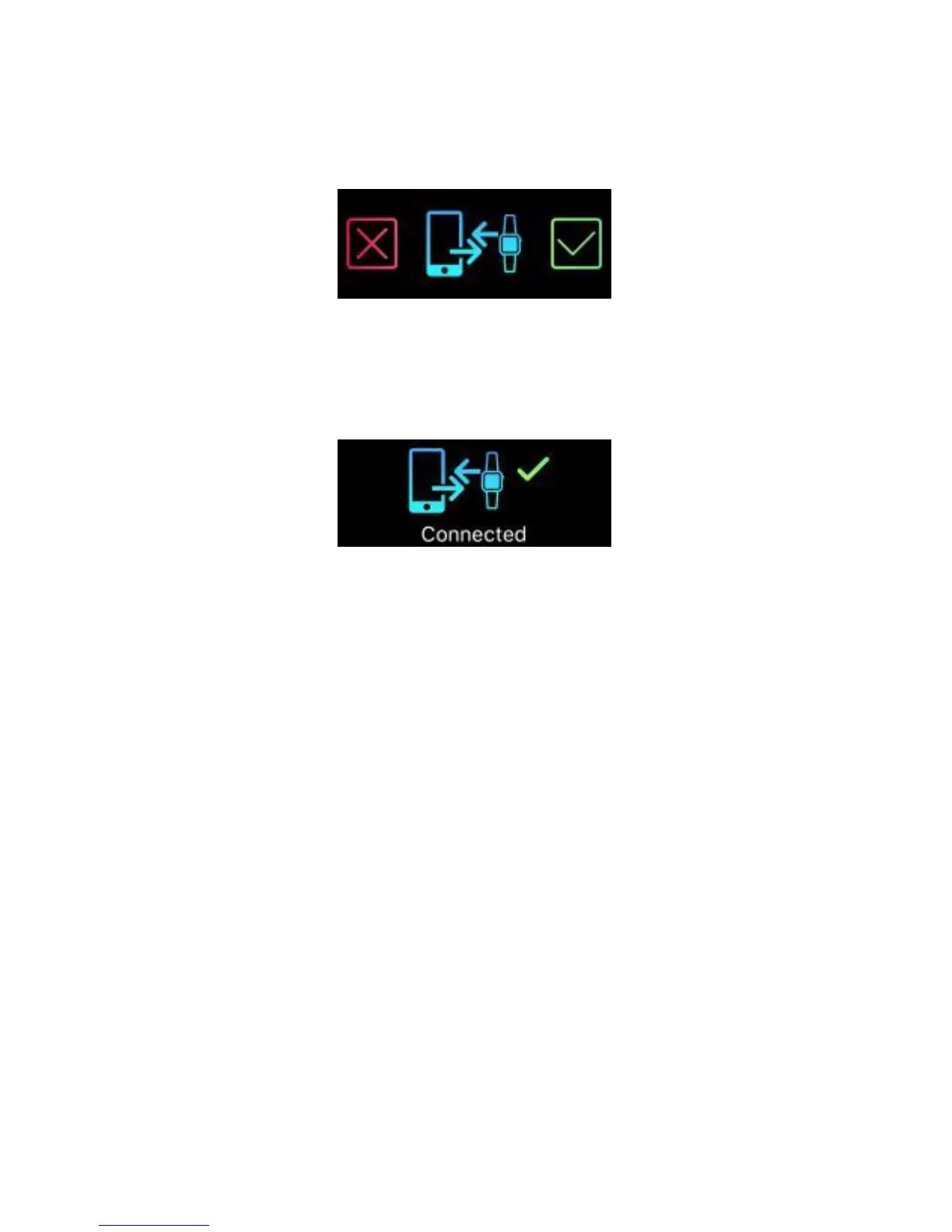
5. A connection request will be shown on your tracker with
the image below. Tap on the green check mark to confirm
the Bluetooth pairing.
6. When the tracker is connected successfully, both your
tracker and mobile device will receive a notification.
If the connection is not successful, please repeat the same
steps to try again.
Note: The Bluetooth pairing is a one-time process. If you
would like to connect the band with a different account,
you must un-pair the existing connection first through the
App settings.


 To Next Page