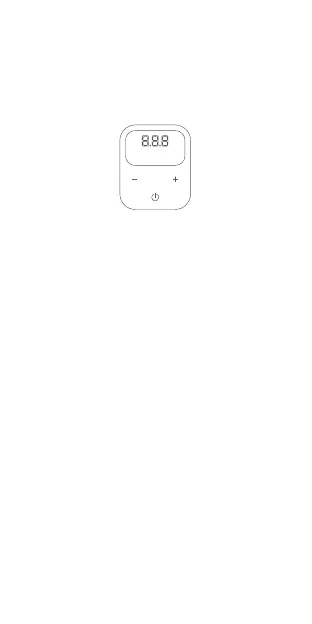
3. Detecting gas pressure
After connecting the gas tube and while the device is
turned on, the pressure gauge will show the current
pressure in numeric value.
R
KPA BAR PSI
4. Presetting the Tyre pressure
5. Pumping
Follow these steps to preset the Tyre pressure:
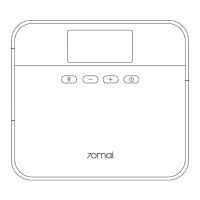
1. After the device is turned on, press the "R" button to
switch the unit of measurement between bar, psi or kPa.
2. Press the "+" or "-" button until the numbers start to
flash. Press the "+" or "-" button again to adjust the value.
When the numbers stop flashing, presetting of the Tyre
pressure is complete.
1. After connecting the gas tube and while the device is
turned on, press the "Start" button to start pumping.
If the pressure of the gas valve increases rapidly within a
short interval (80 psi in 3 seconds), the air way is
obstructed. Turn off the power, detach the quick release
pump head and reconnect the gas tube.
13


 To Next Page