8
Presetting the air pressure
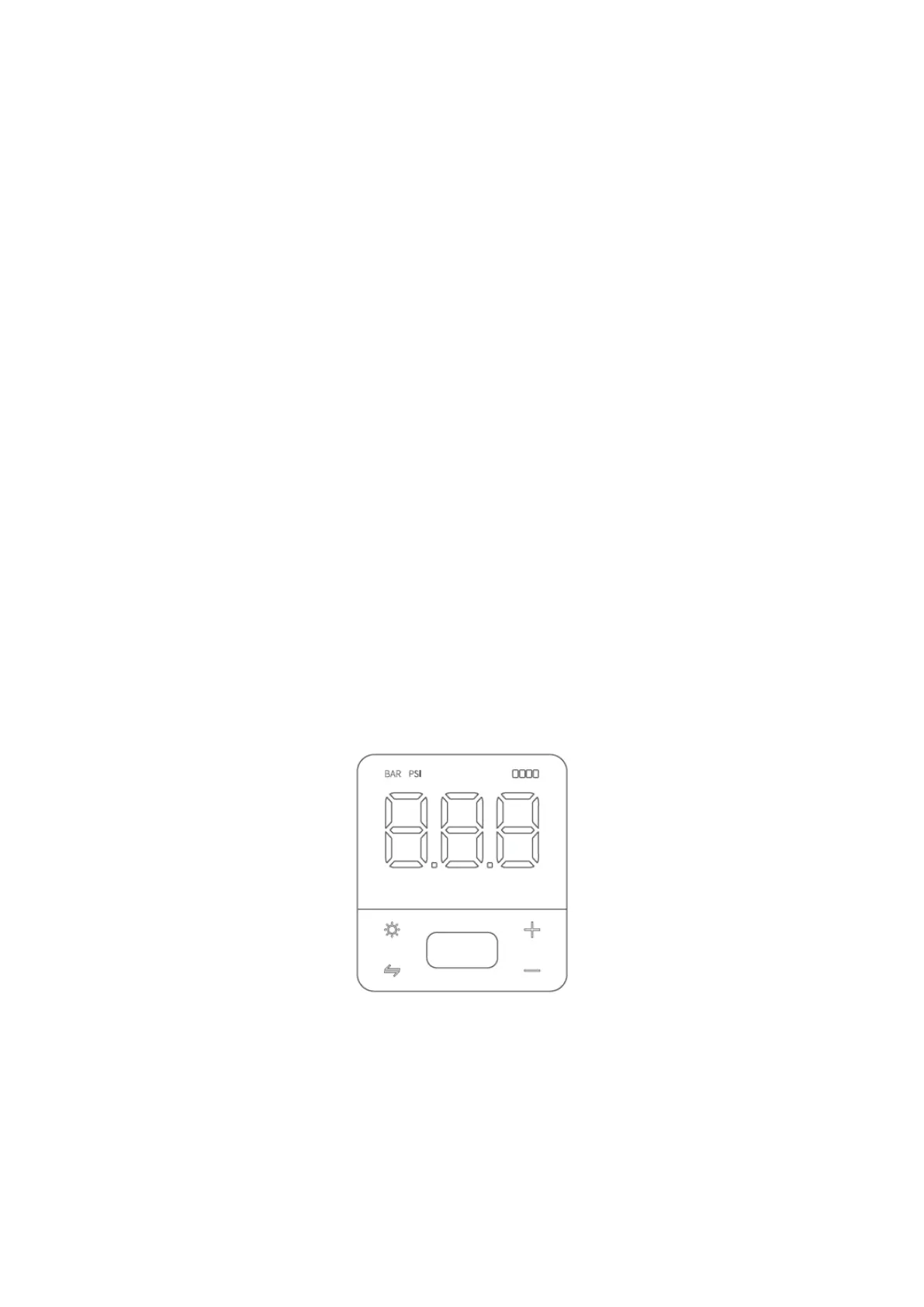
Preset air pressure before the inflation and then the device will automatically stop
inflating when reaching the preset value.
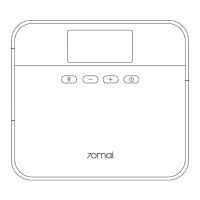
1. Press and hold the start button to turn on the device.
2. Press the mode button to switch to the desire inflation mode.
3. Press and hold the mode button to change the pressure unit. Press the “+” or “-“
button to adjust the pressure value.
The device will automatically memorize the preset pressure value for each inflation
mode. Therefore it is not necessary to set the air pressure value again for the same
inflation mode at the next inflation.
Inflating the objects
1. Correctly connect the air hose to the object. Press and hold the start button to turn on
the devie. The main interface displays the current air pressure value, unit and remaining
battery level.
2. Press the mode button to switch to the desired inflation mode.
3. Press the start button to start inflating.
4. When reaching the default or preset air pressure, the device will automatically stop
inflating.



 To Next Page