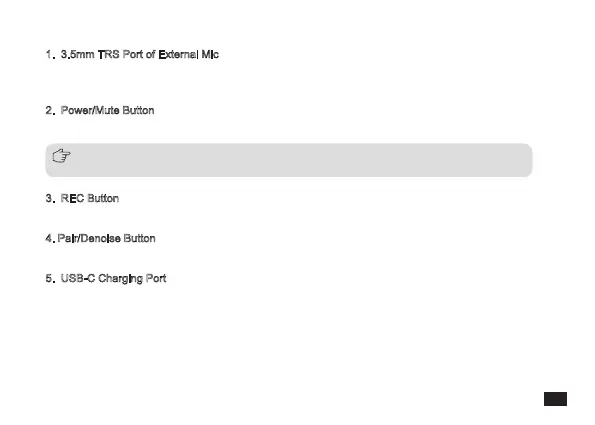
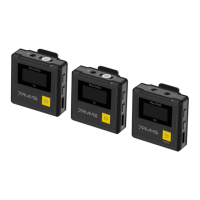
1. 3.5mm TRS Port of External Mic
Insert the 3.5mm TRS Mic, and you can use the external lavalier microphone for recording. At this time,
the internal microphone of the device is turned off automatically
2. Power/Mute Button
Long press for On/Off; Short press for muting switch
3. REC Button
Long press to start or stop the recording when the screen is on
4. Pair/Denoise Button
Long press to enter pairing state; Short press to turn on/off denoise
5. USB-C Charging Port
Connect the transmitter with the power supply through the 3-in-1 charging cable to charge
Long press the power button for 10 seconds to reset it when the transmitter is in crashes or unable to
turn on
5



 To Next Page