9
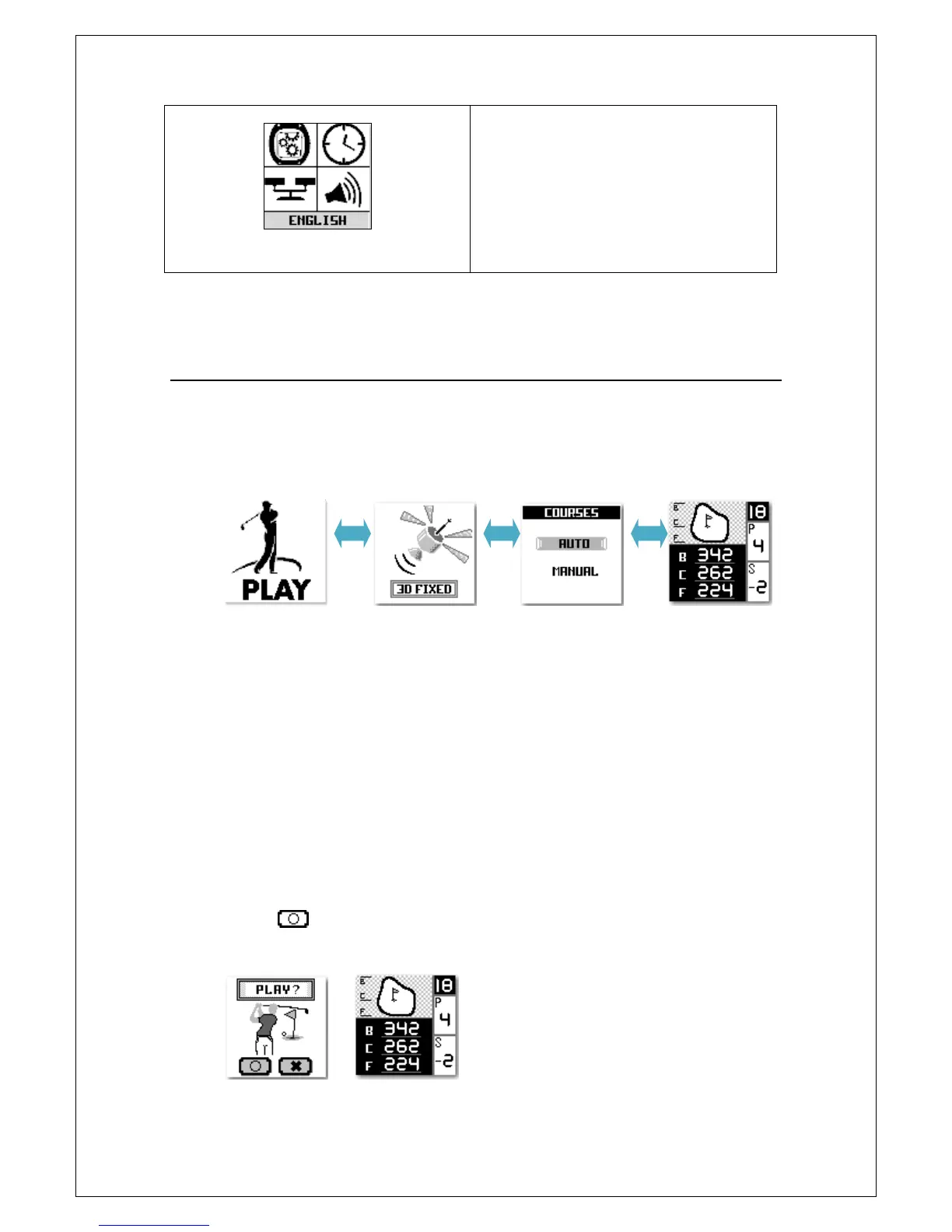
11. You can configure the language
with this icon. Select your
favourite language.
How to Start Playing Golf
1. Select “Play” and press “OK” key to enter. To make sure your device
shows 3D fixed and then press OK to go to Courses Selection page.
2. On the Courses Selection page, if you are unsure of the current
Course’s name, you can use “AUTO” search to find this out. If you know
the Course name, just use “MANUAL” to select the course in the map
list.
In some countries are a left- and a right green available. Select the
preferred one in the settings. Otherwise you can ignore this
setting.
3. Press key to start to play.



 To Next Page