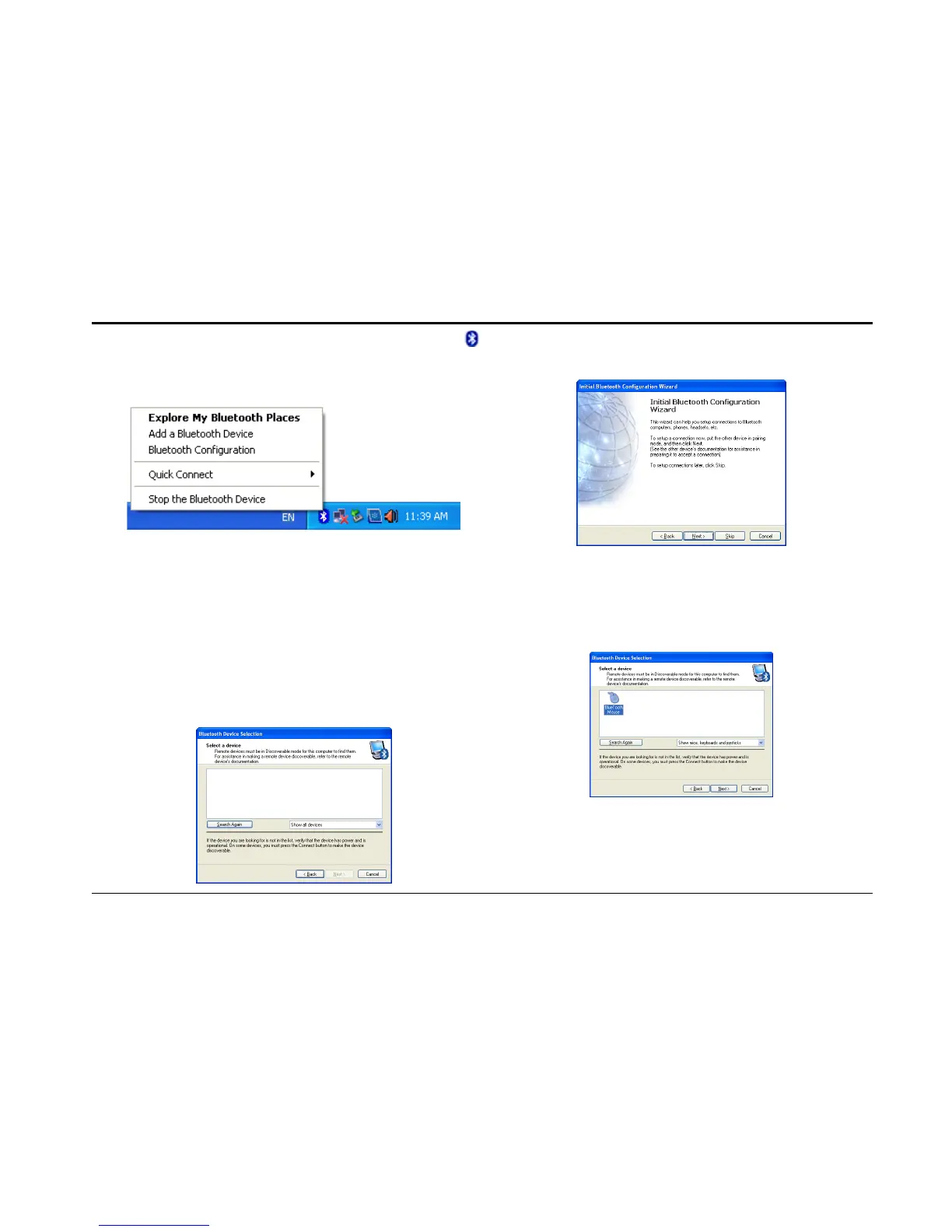
Right click on Bluetooth icon
located at system tray, then select Add a
Bluetooth Device.
Step 2:In popped
Configuration Wizard, Click Next.
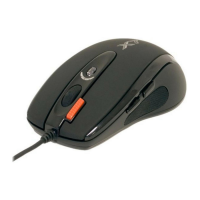
Turn on the mouse and press the
connection button at the bottom of mouse
until the LED Indicator in the middle
wheel blinks alternately in Red and Green.
In Bluetooth Devices Selection, it will
automatically detects discoverable
bluetooth devices.
After the device names appear,click
BlueTooth Mouse, and then click Next.



 To Next Page