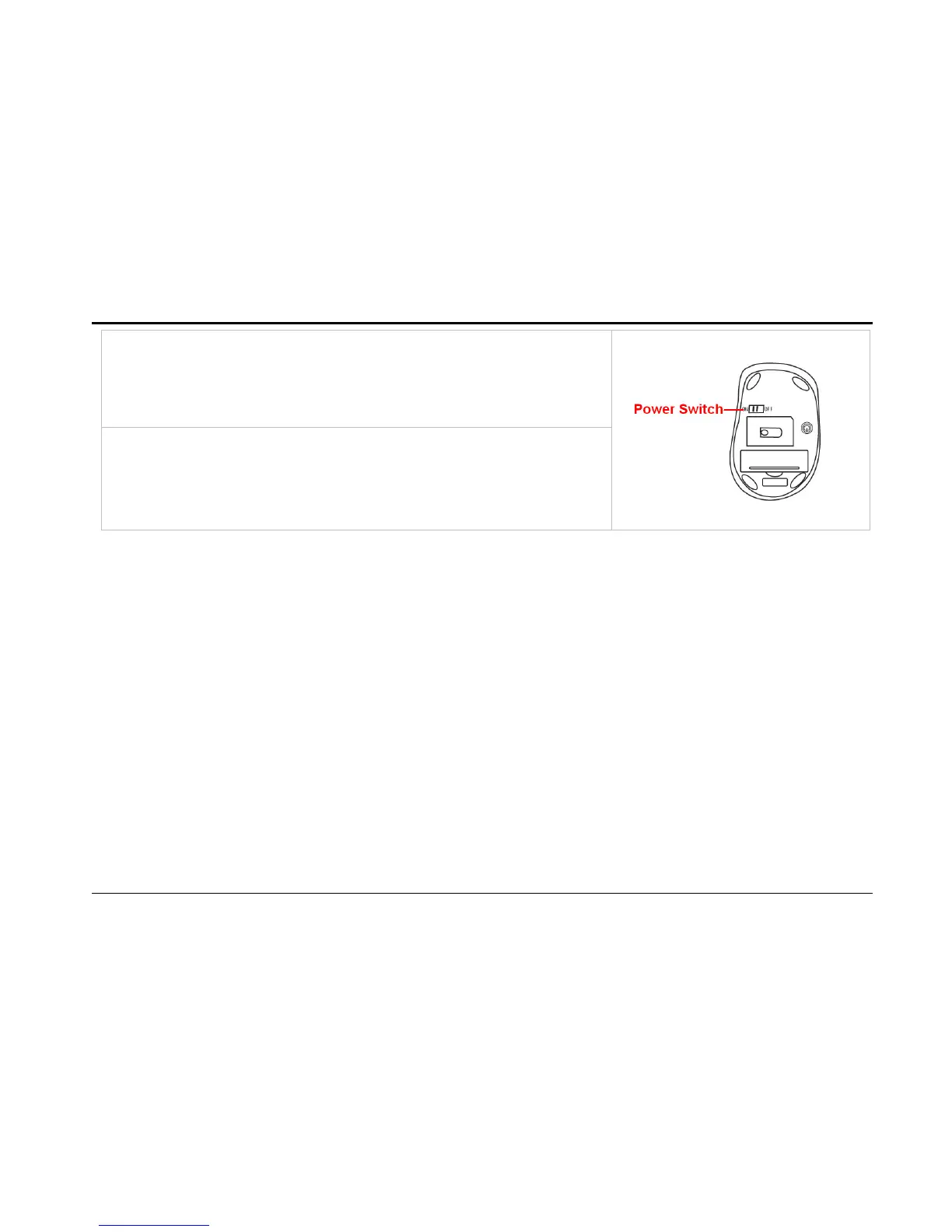
2. To turn off the mouse, just slide off the power switch and
then LED light is off immediately.
Battery Installation
Open battery cover and insert the supplied AA battery. Please make sure that the positive (+)
and negative (-) ends of the battery match the polarity indicators inside the battery
compartment.
Power Saving Management
Four stages power saving mode provide the best power saving management. In Deep Sleep, the
mouse can
be activated by clicking any mouse buttons. In other sleep statuses, just move the mouse to
activate
it.



 To Next Page