HOW TO CONNECT YOUR MOUSE
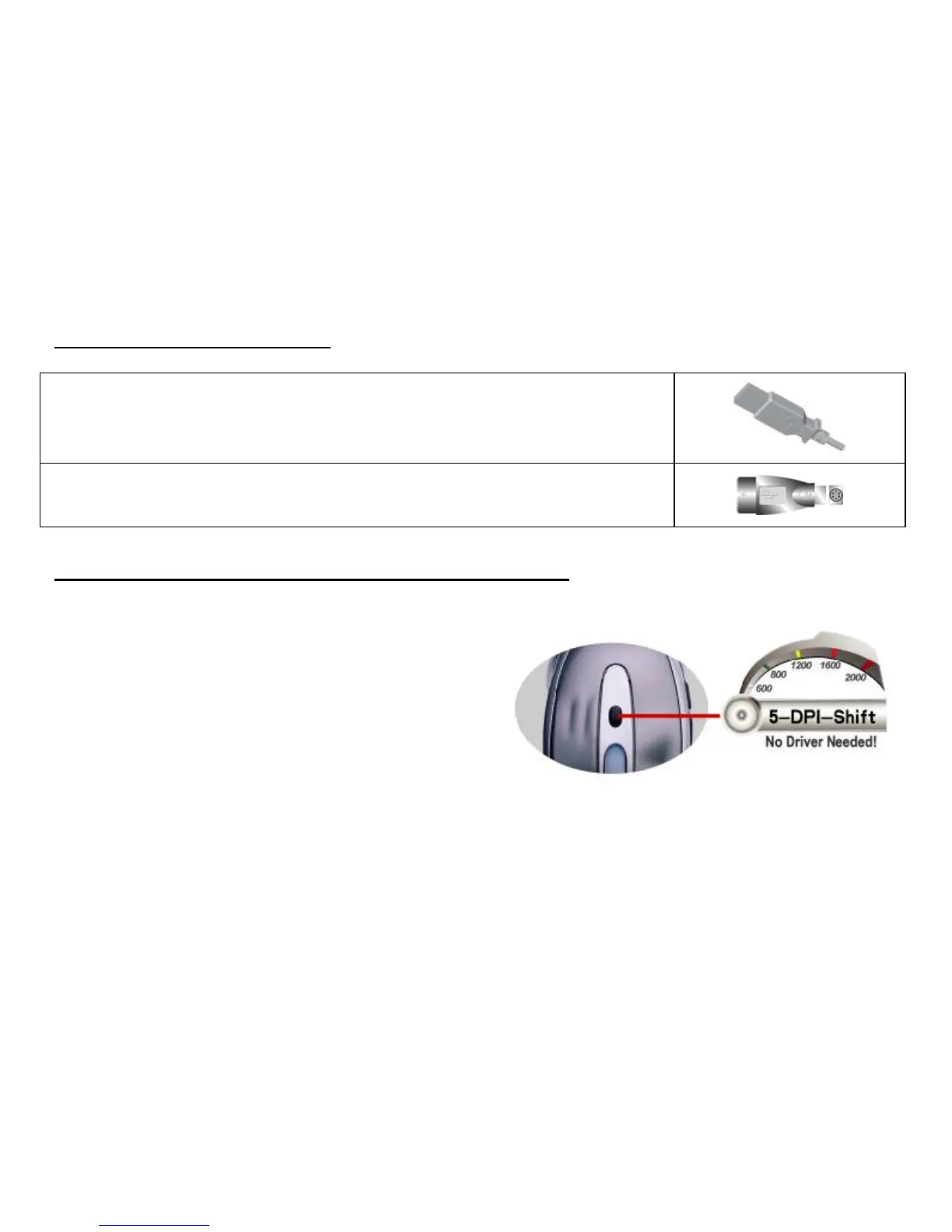
1. Locate an available USB mouse port on the back of your computer.
2. Insert the USB mouse connector into the USB port .
If you like to use the PS2 port (for the round PS/2 plug), you will need to plug the
USB connector with a PS2 adapter.
HOW TO CHANGE THE DPI SETTING OF SPEED GAME MOUSE
Click the button shown on the right figure to quickly shift
from 600-800-1200-1600-2000 DPI as the scroll wheel
changes color between shifts. You don’t need any driver
for this fabulous function!


 To Next Page