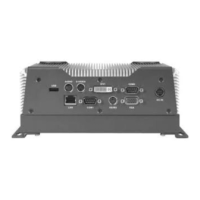
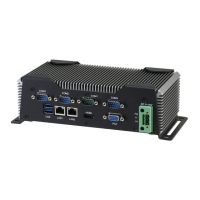
Embedded Controller AEC-6876
The AEC-6876 comes with an AutoRun DVD-ROM that contains all
drivers and utilities that can help you to install the driv
er
automatically.
Insert the driver DVD, the driver DVD-title will auto start and show
the installation guide. If not, please follow the sequence below to
install the drivers.
Follow the sequence below to install the drivers:
Step 1 – Install Chipset Driver
Step 2 – Install VGA Driver
Step 3 – Install LAN Driver
Step 4 – Install Audio Driver
Step 5 – Install ME Driver
Step 6 – Install RAID & AHCI Driver (Optional)
Step 7 – Install TPM Driver
Step 8 – Install Serial Port Driver (Optional)
Note: If you got compatible issue for COM port, please find its driver under
STEP 8 folder and then install it by administrative login permission.
Please read instructions below for further detailed installations.
Chapter 4 Driver Installation 4 -2


 To Next Page