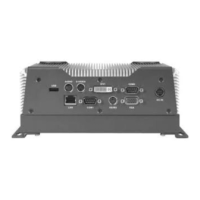
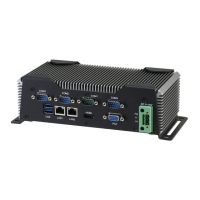
Embedded Controller AEC-6876
Note 2: If the OS is Windows
®
XP, you have to install the driver of
dotNet Framework first. Simply click on dotnetfx35.exe located in
dotNet Framwork folder.
Step 3 –Install LAN Driver
1. Click on the STEP3-LAN folder and select the OS
folder your system is and then select the folder of Intel
82576LM or Realtek 8111E based on the LAN chipset in
your system
2. Double click on the .exe file
3. Follow the instructions that the window shows
4. The system will help you install the driver automatically
Step 4 –Install Audio Driver
1. Click on the STEP4-AUDIO folder and select the OS folder
your system is
2. Double click on the Setup.exe located in each OS folder
3. Follow the instructions that the window shows
4. The system will help you install the driver automatically
Step 5 – Install ME Driver
1. Click on the STEP5-ME folder and select the folder of OS
folder your system is
2. Double click on the Setup.exe located in each OS folder
3. Follow the instructions that the window shows
4. The system will help you install the driver automatically
Chapter 4 Driver Installation 4 -4


 To Next Page