Run First Time Installation
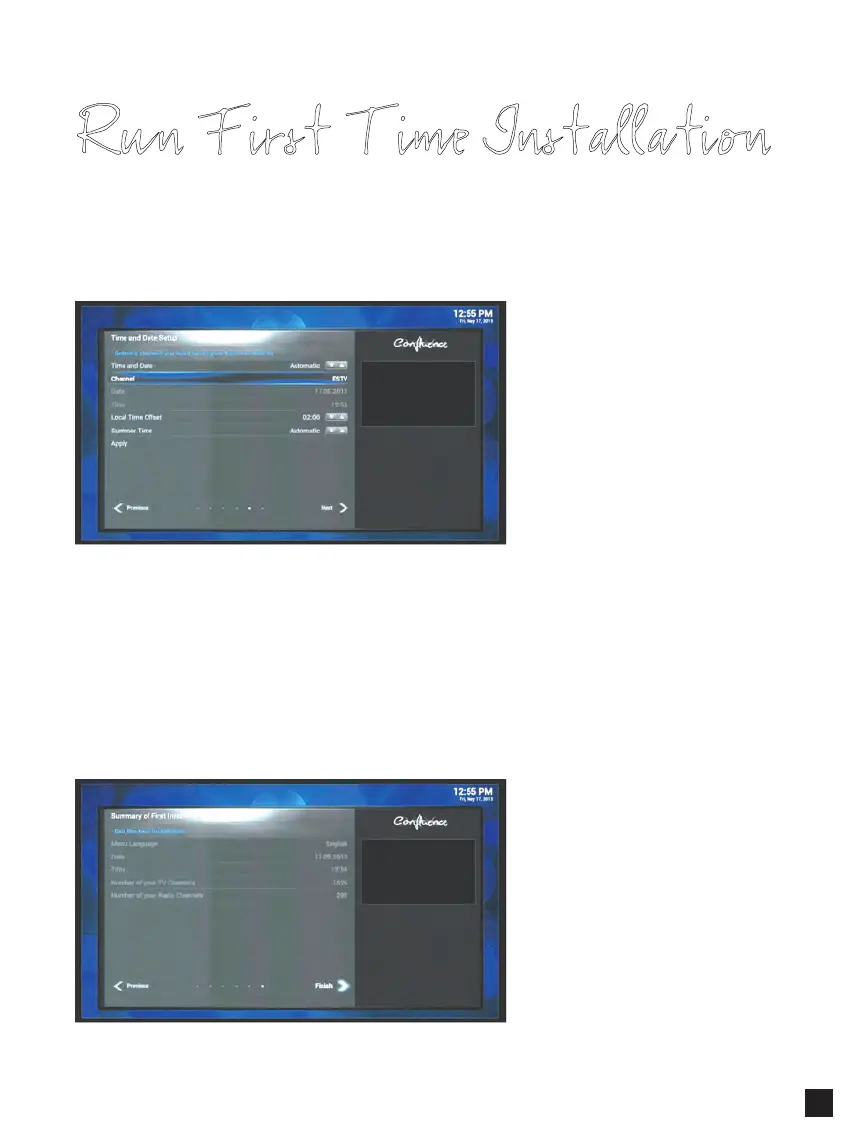
Step 7. Time & Date Setup
You can either set the time/date manually or automatically.
- Automatic – time/date is automatically set up according to the time/date information
of the selected channel.
- Manual – time/date is manually configured.
Select Next to complete the First Installation.
Step 8. Channel Search
This menu shows the summary of first installation settings.
- Menu Language
- Date
- Time
- The number of searched
TV channels
- The number of searched
Radio channels
Select Finish exiting the First Installation.
13



 To Next Page