IEC08000123.vsd
Symbol library
window
IED HMI
display window
HMI display
window pages
Regard the
squence of pages
IEC08000123 V1 EN
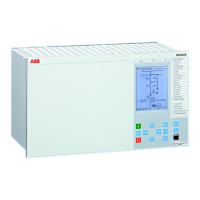
Figure 54: GDE: Screen image with active GDE
Procedure
1. Start GDE to open a presentation of the tool.
2. GDE has a fixed symbol library window on the left side of the display.
3. The presentation is empty when no page exists for the IED.
Display window and sequence order
It is important to link correctly between the HMI display page and the
corresponding bay that is presented as a single line diagram on this
HMI page.
Rules to handle HMI pages:
Section 6 1MRK 511 284-UEN A
Local HMI engineering
74 650 series
Engineering manual


 To Next Page
 Loading...