www.ABBALightingUSA.com
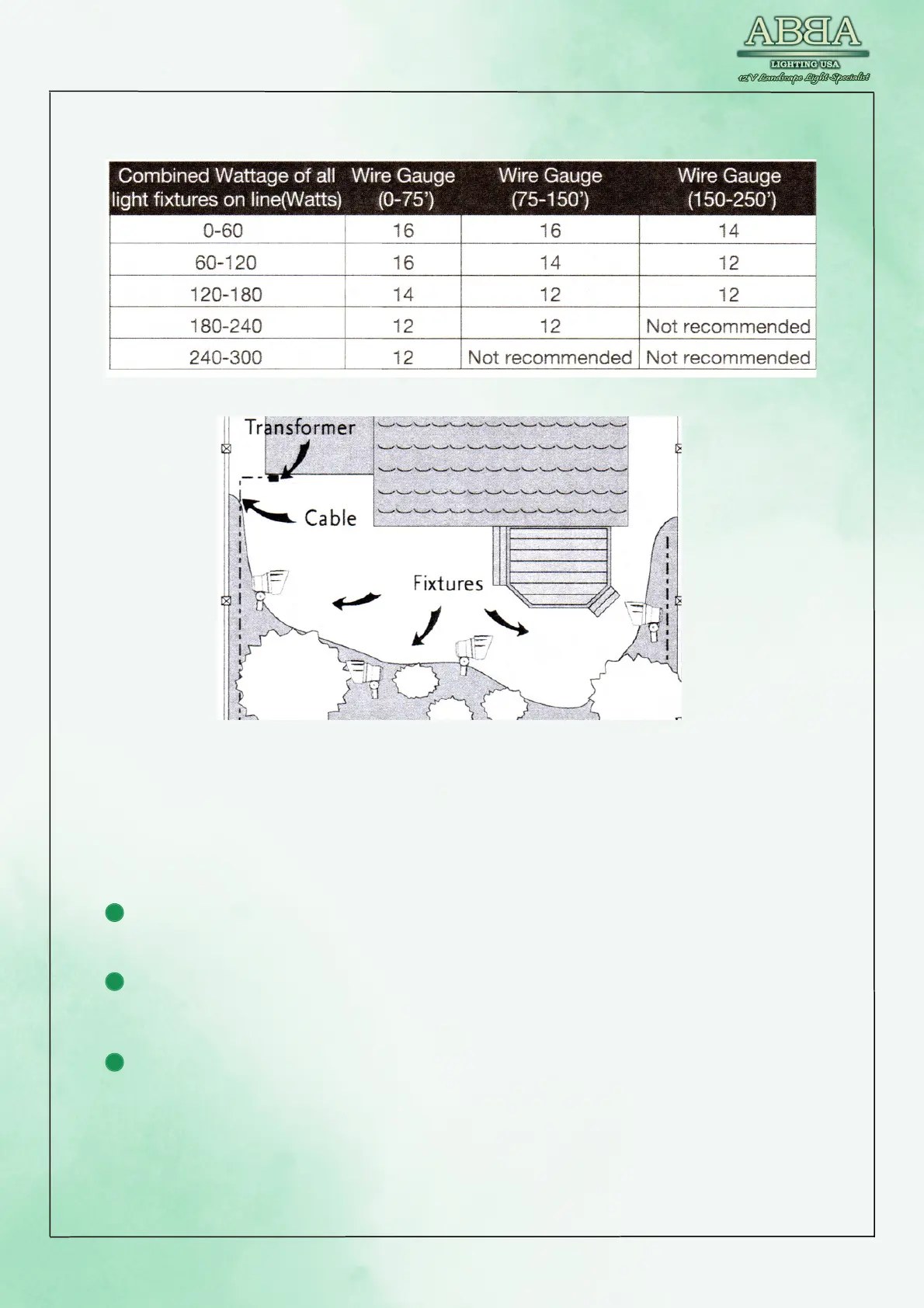
TOP VIEW
POWER UP THE TRANSFORMER
To test the fixtures and change the mode to "ON," please follow these
instructions:
Take the plug of the transformer and insert it into the GFCI plug. Make sure
it is fully inserted and securely connected.
Once the transformer is plugged into the GFCI plug, you can proceed with
testing the fixtures. Turn on the power to the transformer.
Set the mode switch to the "ON" position. This will activate the fixtures and
provide a continuous power supply.
Observe the connected fixtures to verify that they are illuminated and
functioning correctly. Check for any signs of flickering, dimness, or
malfunctions.



 To Next Page