EasyManua.ls Logo

Abilia Emfit Epilepsy Alarm - User Manual

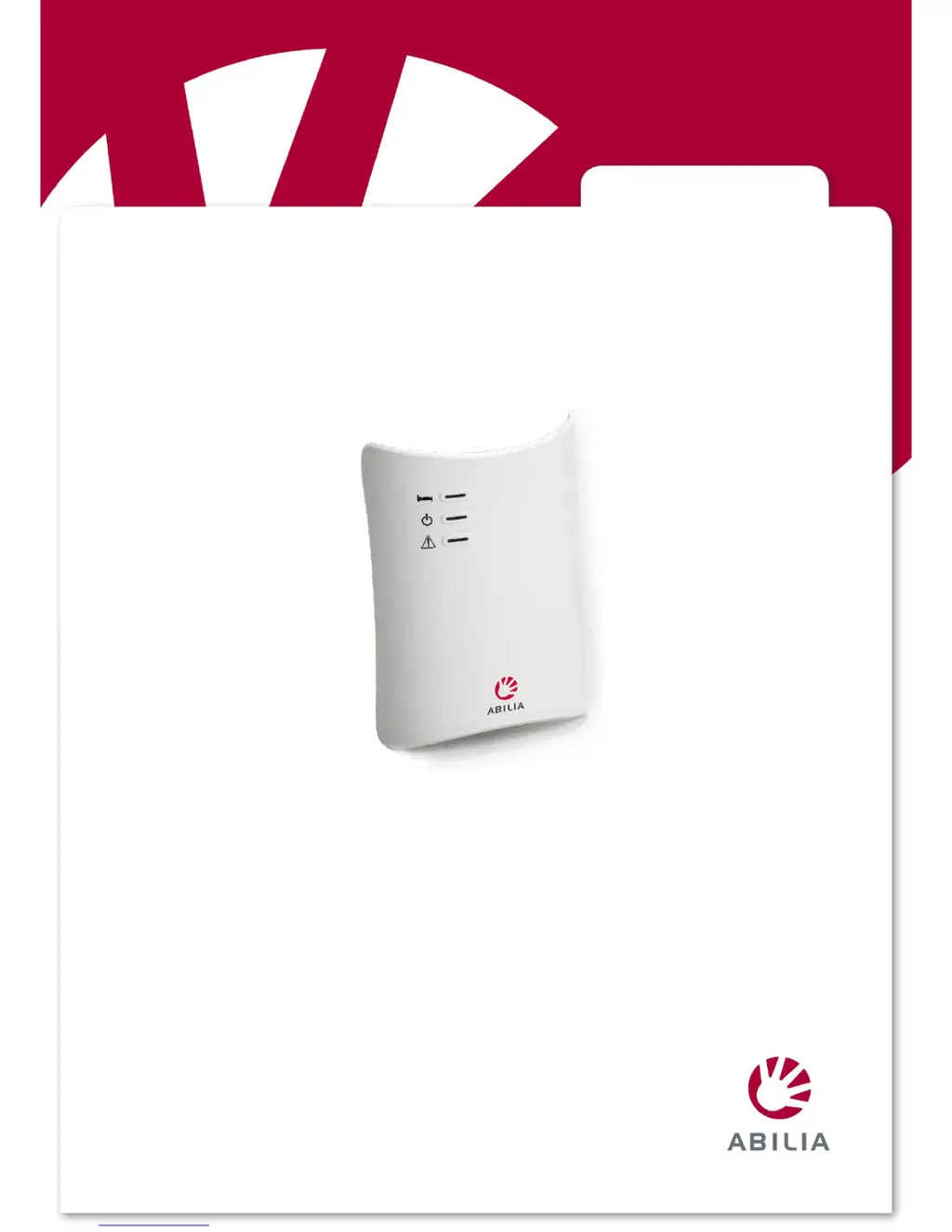
Abilia Emfit Epilepsy Alarm
36 pages
Print Icon
To Next Page IconTo Next Page
Loading...
Rev F1 EN
Emfit
®
Tonic-Clonic Seizure Monitor
Art.no 464000, 464031
Note! The device must not be used if an operational failure of the device might lead to a
delay in getting the appropriate treatment or medication for the patient, which could put the
patients life at risk.
Manual

Table of Contents

Questions and Answers

  • Q
    qfisherAug 3, 2025
    What to do if Abilia Emfit Epilepsy Alarm device triggers a notification even if there is no unusual movement?
    • D
      Dana EdwardsAug 3, 2025
      If your Abilia Personal Care Products device triggers a notification when there is no unusual movement, the device may be interpreting normal movements, such as scratching or rocking, as a seizure. You should check the condition, installation, and position of the bed sensor. Ensure that the sensitivity setting of the sensor is not too high, and the green light should not be on if no one is on the bed. If necessary, adjust the delay time to be longer. Try switching the device on only after the person has fallen asleep. If the bed exit alarm is enabled and sensitivity is not set high enough, the alarm may trigger. Either disable the alarm or see section 15.
  • D
    Danielle BennettAug 8, 2025
    How to troubleshoot inaudible notification sound on Abilia Personal Care Products?
    • J
      jeremiahmejiaAug 8, 2025
      If the notification sound on your Abilia Personal Care Products is inaudible, the first thing you should do is check the volume.
  • M
    Mark WaltersAug 15, 2025
    Why is the green light on Abilia Personal Care Products on even if no one is on the bed?
    • D
      David DeanAug 15, 2025
      If the green light on your Abilia Personal Care Products device is on even when no one is on the bed, a faulty sensor or cable may be causing distractions. Ensure that the bed sensor and its cables are not affected by external movement, and remove any distractions. Check the condition of the bed sensor and its cables, and adjust the sensitivity.
  • D
    dwintersAug 20, 2025
    What to do if Abilia Emfit Epilepsy Alarm triggers a notification but the nurse call system does not?
    • J
      Jennifer EllisonAug 21, 2025
      If your Abilia Personal Care Products device triggers a notification but the nurse call system does not, ensure that the external wireless transmitter or other system’s connection cable is connected to the X2 connector. Also, check the battery of the external wireless transmitter.
  • M
    Megan KruegerAug 27, 2025
    What to do if Abilia Personal Care Products does not trigger a notification, and the green light is not on even if someone is on the bed?
    • E
      Eric PierceAug 27, 2025
      If your Abilia Personal Care Products device does not trigger a notification, and the green light is not on even if someone is on the bed, check the condition of the bed sensor and its cables. You should also check the sensitivity of the device by having someone lie on the bed completely still to see if the green light turns on.

Summary

1. Important Safety Precautions

1.1 Important Information and Limitations

Key usage limitations and information for safe operation.

1.2 Unintended Adjustment of Control Unit Settings

Potential issues from improper control unit setting adjustments.

2. Symbols Used in Instructions for Use

3. Introduction

3.1 Product Description

Overview of the Emfit Tonic-Clonic Seizure Monitor's components and function.

3.2 Intended Use

Specifies the primary purposes and applications of the device.

3.3 Intended User and Operator

Identifies the target user and the person responsible for operating the device.

3.4 Manufacturer Liability

Details the manufacturer's responsibilities concerning the product.

3.5 About These Instructions

Guidance on how to read and use the instruction manual effectively.

15. Setting Sensitivity to Notice Tonic-Clonic Seizure

16. Calibrating the presence; absence sensitivity

16.1 Doing Calibration

Step-by-step guide for calibrating the device's presence detection.

16.2 Error Messages and How to Handle Them

Explains error messages and provides solutions for device issues.

17. Checks

17.1 Weekly Checks

Routine weekly tasks to ensure the device is functioning correctly.

17.2 Start-up and Monthly Checks

Checks to perform at the beginning of use and on a monthly basis.

18. Troubleshooting

Notification Issues

Troubleshooting steps for notification problems with the device or system.

False;Missed Detections

Diagnosing and fixing issues related to false or missed movement detections.

Sensor and Connection Problems

Troubleshooting sensor, cable, and connection issues.

19. Cleaning

20. Disposal of the device after use

21. Declaration of conformity (EU)

22. Abilia limited warranty statement

22.1 Your guarantee

Outlines the terms and duration of the manufacturer's guarantee.

22.2 Terms

Specifies the conditions and requirements for claiming the guarantee.

22.3 Exclusions and limitations

Details what is not covered by the product guarantee and its limitations.

22.4 Your legal rights reserved

Informs users about their statutory rights related to the product.

23. Technical specifications

23.1 Control unit

Detailed technical specifications for the control unit.

23.2 Sensor

Detailed technical specifications for the bed sensor.

23.3 External Power Supply

Technical specifications for the optional external power supply.

23.4 Ambient conditions

Specifies the operating and storage environmental conditions.

23.5 Product class

Information on the product's classification according to directives.

24. Electromagnetic conditions

25. Manufacturer

26. Appendix - Related pictures

Abilia Emfit Epilepsy Alarm Specifications

General IconGeneral
Product CategoryPersonal Care Products
Product TypeEpilepsy Alarm
BrandAbilia
ModelEmfit
UsageMonitoring and alerting during epileptic seizures
TechnologySensor-based monitoring
AlertAudible alarm
Alarm TypeSeizure alarm
Power SourceBattery or mains power