HOW TO OPERATE THE CONSOLE
SM 3112-67
When the computer is reset, all values show 00:00, and all functions will flash
simultaneously at the top of the display. This is called "startup window" and is the
starting point for all the settings described further herein.
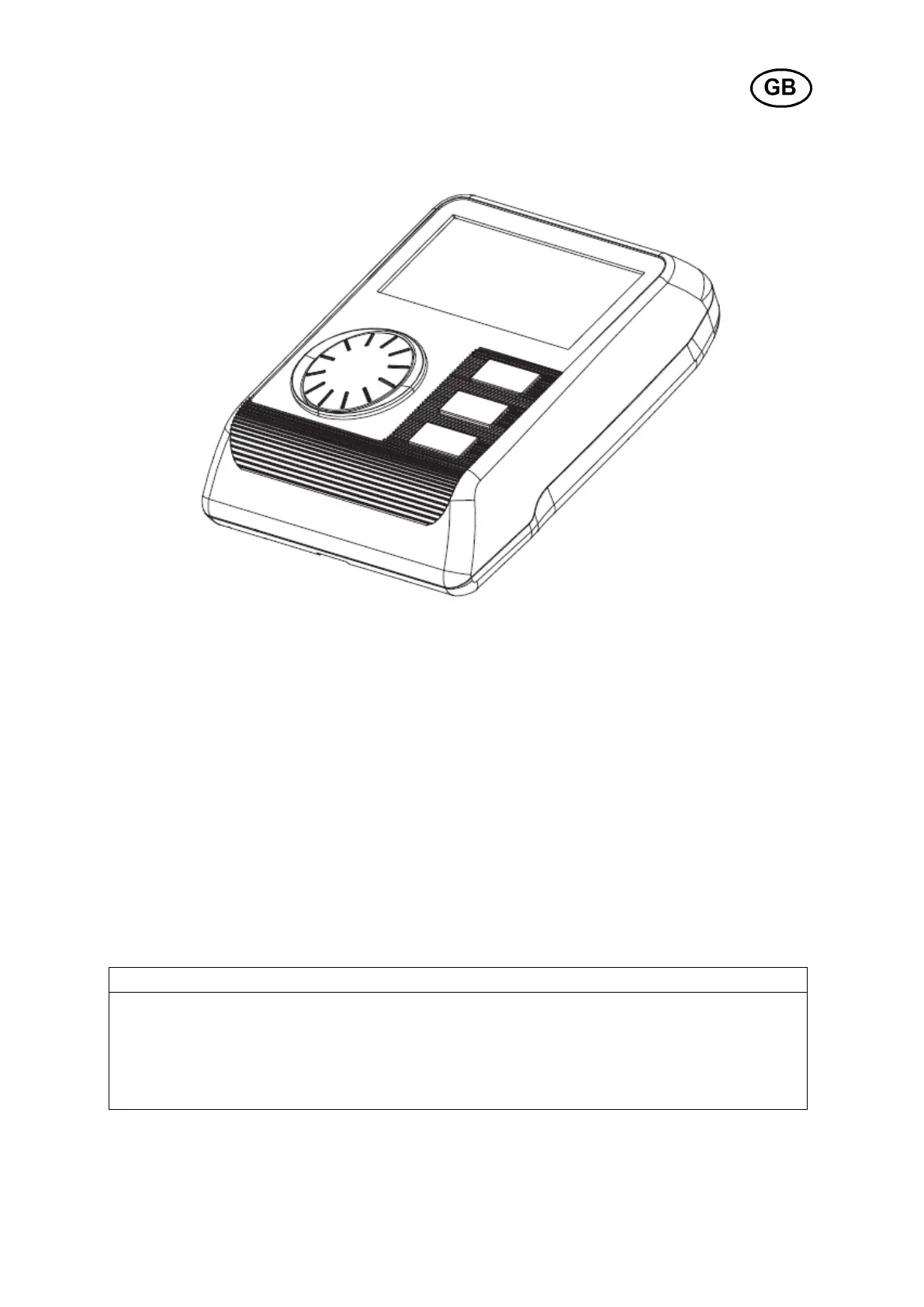
You easily maneuver among the various menus by rotating the MODE dial to find the
desired function or value, and confirm by pressing the same MODE wheel. This
procedure is applicable to all settings that are described further herein.
BUTTONS
Switch between the different functions, and
Start/stop monitoring of exercise info


 To Next Page
 Loading...