11
Using your food processor
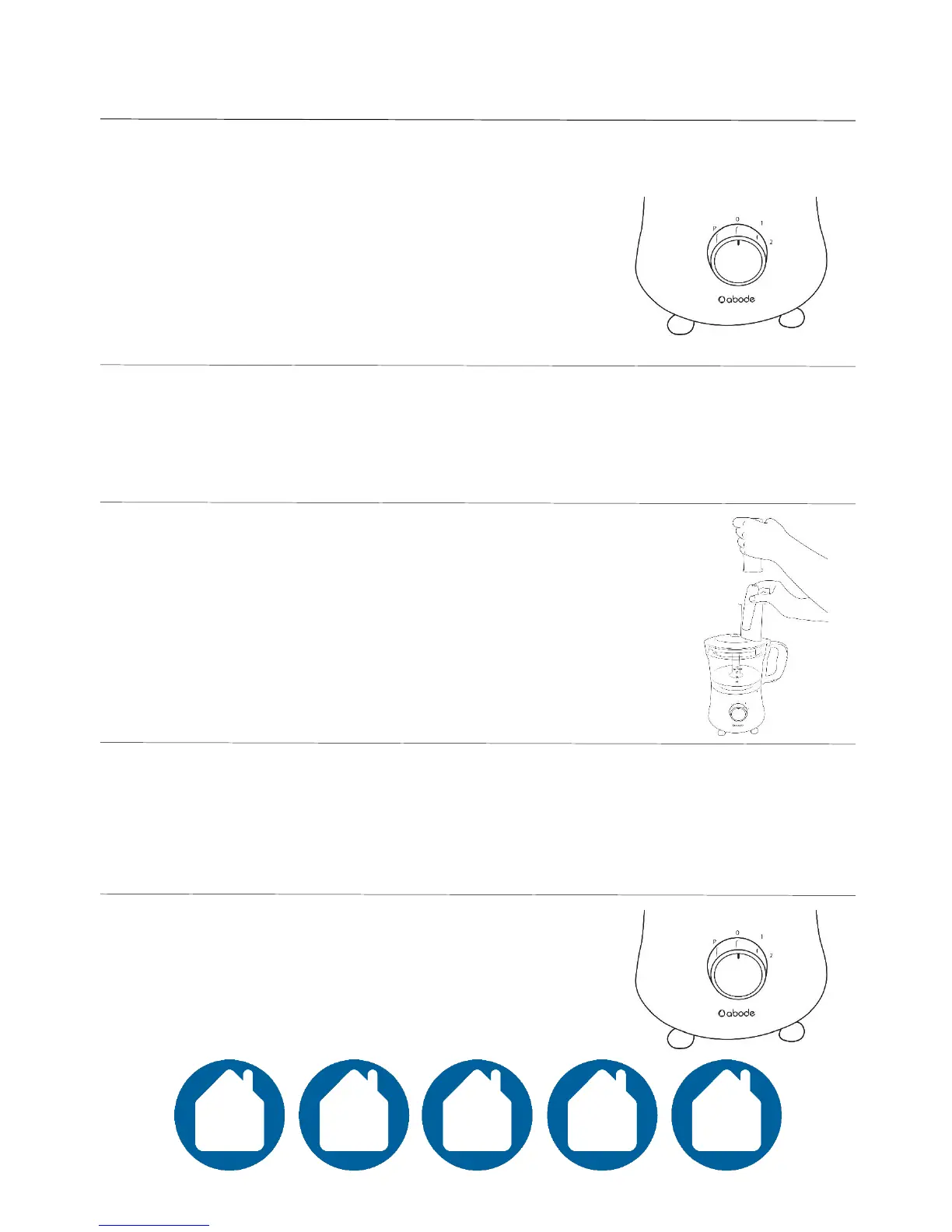
Speed control dial
• 0 – Off
• 1 – Moderate speed
• 2 – High speed
• ‘P’ – Pulse, can be used for momentary power
to the food processor.
Select your desired speed setting using the speed control dial.
Turn clockwise for 1 or 2, or anticlockwise for momentary pulse control.
Place your prepared food into the feeding chute
and guide in slowly with the food pusher.
Note: It is recommended to read the ‘Tips’ section
in this manual prior to using the appliance.
The maximum time of one operating period is 1 minute on full power. If you
operate for longer than this in one sitting, this could damage the unit and
create a potential hazard. Turn off and allow the unit to cool for at least 2
minutes before continuing use.
When the food has successfully processed, turn
the speed control dial to the ‘0’ position.
Unlock your lid and carefully remove the
accessory.



 To Next Page