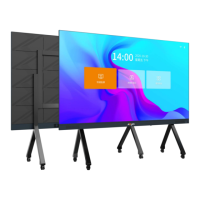
Absenicon3.0 C138 User Manual
2.2.2 Install support legs
(1) Confirm the the front and back of the support leg and height of the bottom of the screen from the
ground.
Note: There are 3 heights to choose for the height of the bottom of the screen surface from the ground:
800mm, 880mm and 960mm, corresponding to different installation holes of the vertical beam.
The default position of the bottom of the screen is 800mm from the ground, the height of the screen is
2522mm, the highest position is 960mm, and the height of the screen is 2682mm.
The vertical beam has a gap on the side facing inward
The side of the beam with screw holes is facing up
Default installation position
The lower part is the front side
Highest installation position


 To Next Page
 Loading...