24
2.
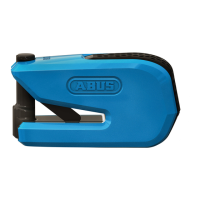
Download the ABUS SmartX app, install
it and follow the instructions in the
app until you have scanned the QR
code on the ABUS code card provided.
It is imperative to keep the code card
in a safe place even aer completing
the setup. You need the code card
for soware updates, if you lose your
smartphone, and for proof of owner-
ship for matters related to warranty
claims and repair. Do not give the
card to third parties.
The Bluetooth® function must be swit-
ched on in your smartphone to operate
the lock electronics. The smartphone
must be connected to the Internet and
not be in ight mode.
SmartX
8078.indd 248078.indd 24 18.02.2021 14:15:3618.02.2021 14:15:36


 To Next Page