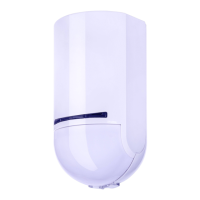
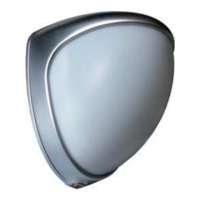
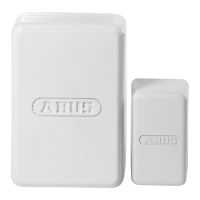
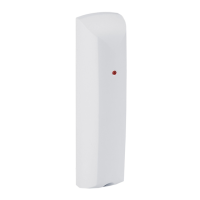
Thanks to an internal tamper contact, it is not possible to tamper with the housing of
either detector model or for them to be removed from a wall.
A moulded part in the recess of the back plate serves as an anti-removal wall
contact. This moulded part is mounted to the wall with screws.
If this is not done, tamper detection for the wall is deactivated.
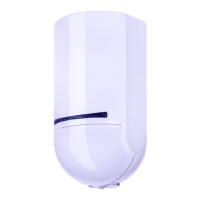
Step 3: Programming the motion detector
• Set the receiver component to programming mode. Follow the instructions provided in your
receiver instructions.
Wireless option
• Trigger the tamper contact of the motion detector to send a tamper message to the receiver
component.
IR option
• Hold the LED of the motion detector close to the IR receiver of the wireless extension (RFX).
Now trigger the tamper contact of the motion detector to send a tamper message to the
receiver component.
• Ensure that the motion detector has been recognised by your receiver component.
Step 4: Closing the housing
• Close the cover and tighten the cover fixing screws.
Step 5: Test the system
• Set the alarm system to walk test mode (see corresponding user guide).
• Leave the area monitored by the detector and wait for the rest period after each test (see
“Rest period”).
• Carry out several walk tests to test the surveillance area.
• If the detector is triggered when it is not meant to be triggered, please check the installation
location of the detector again (see “Position”).
A 30-minute walk test period is integrated in the detector. It begins when the
batteries are inserted or when the tamper contact is opened.
The LED is activated during this period and the 3-minute rest period is deactivated.
The detector can be triggered again during this period approx. 7 seconds after
completion of the last HF transmission.


 To Next Page