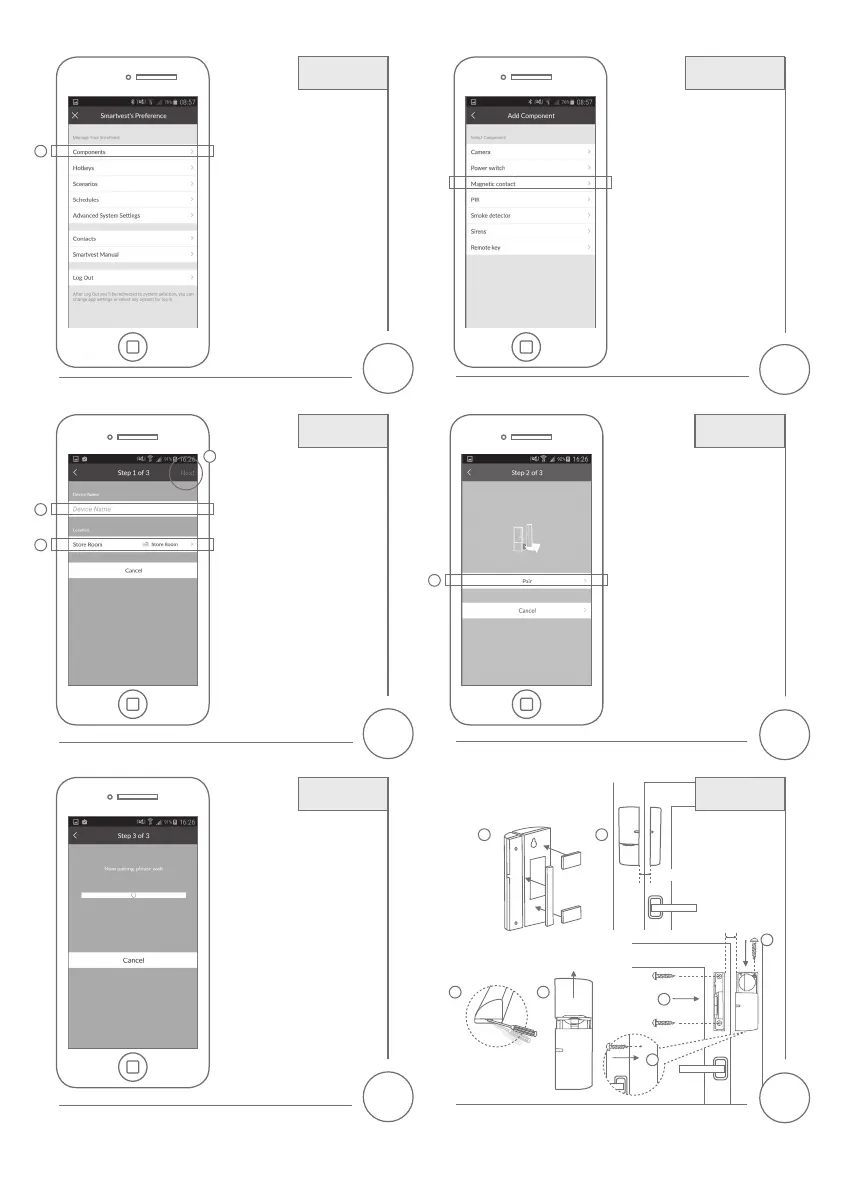
Επιλογή 1: Στερέωση με συγκολλητικά
μαξιλαράκια (→συνίσταται)
Option 1: Fix with adhesive pads
(→recommended)
Επιλογή 2: Στερέωση με 4 βίδες
Option 2: Fix with 4 screws
6
8
10
5
7
9
1. Επιλέξτε «Εξαρτήματα».
2. Επιλέξτε το σύμβολο συν (+)
στη νέα οθόνη.
1.
Select „Components“.
2.
Select the plus symbol
in the
new screen.
1. Εισάγετε ένα όνομα.
2. Επιλέξτε το χώρο στον οποίο είναι
εγκατεστημένη η
μαγνητική επαφή.
3. Επιλέξτε «Επόμενο».
1. Enter a name.
2. Select the room in which the
magnetic contact is installed.
3. Select „Next”.
Η σύνδεση ξεκινά και εμφανίζεται η
οθόνη των εξαρτημάτων.
Connection is initiated and the
component screen is displayed.
1. Επιλέξτε
«Μαγνητική επαφή».
Select
„Magnetic contact“.
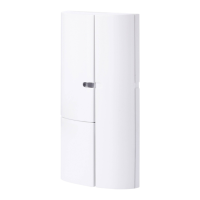
1. Επιλέξτε «Σύζευξη».
2. Αφαιρέστε την πλαστική ταινία
για να ενεργοποιήσετε τη μαγνητική
επαφή.
1. Select „Pair“.
2. Remove the plastic strip to
activate the magnetic contact.
Εξαρτήματα
Components
Όνομα
Name
Σύνδεση
Connection
Εγκατάσταση
Installation
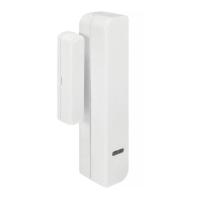
Μαγνητική επαφή
Magnetic contact
Σύζευξη
Pair
1
1
1
2
3
max.
2
0.5 cm
max.
2
0.5 cm
1
1 2
3
5
2
4


 To Next Page