44
English
13
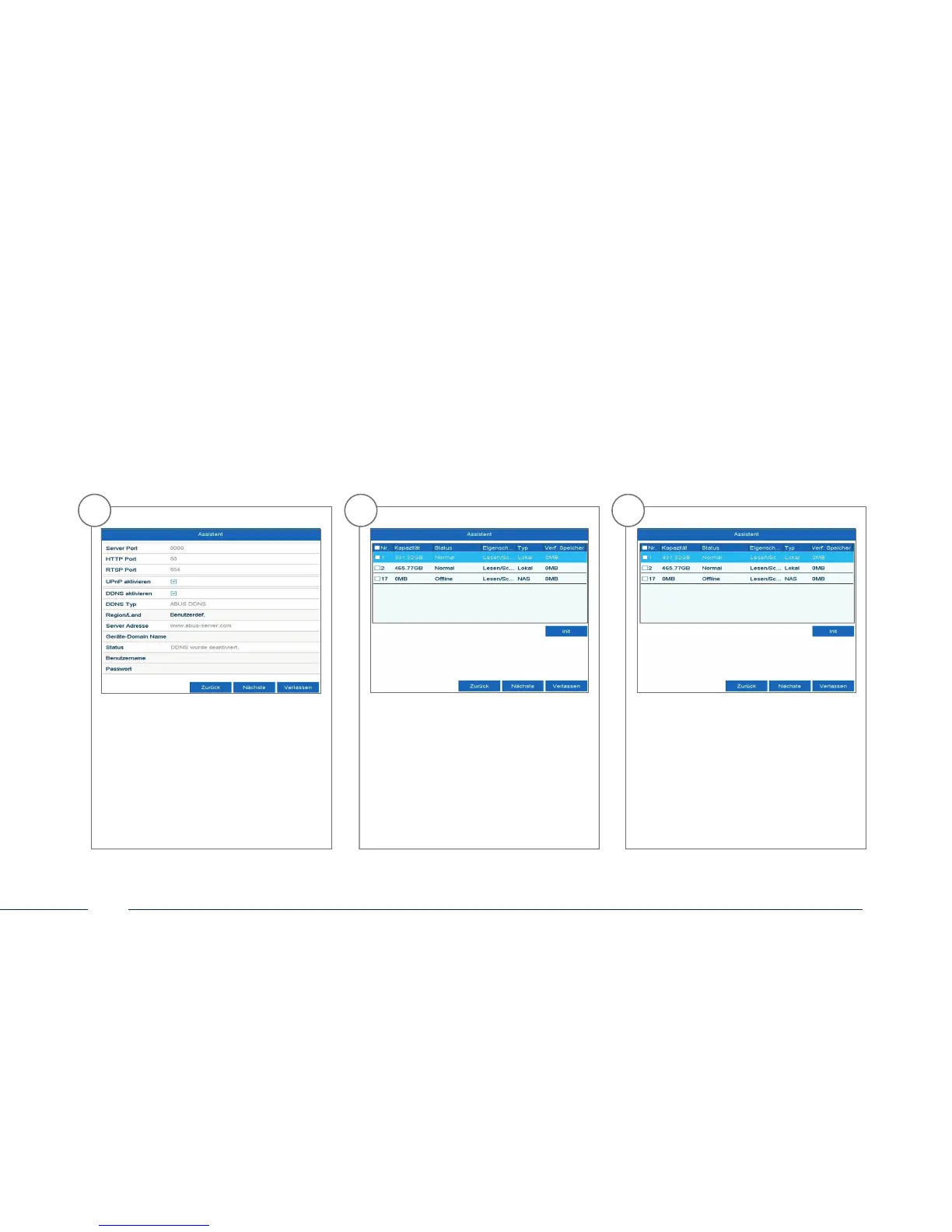
Next, save the server address and the
Device Domain Name, user name and
password. Go to the next screen with
“Next”.
14
Following installation, the hard
disk drive must be initialised before
use. Select the hard disk drive to be
initialised.
15
Click on “Init” and con rm the
successful initialisation by clicking
on “OK”. Go to the next screen with
“Next”.



 To Next Page