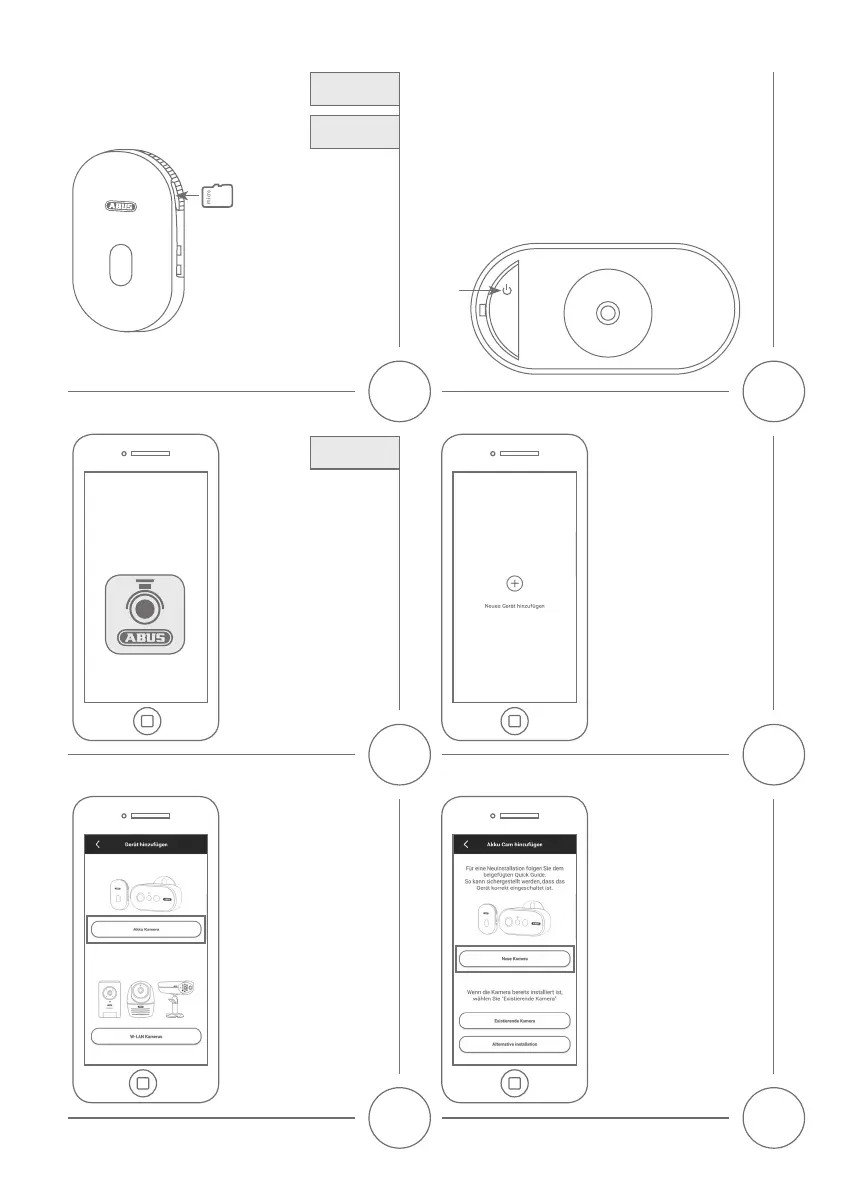
App
- App2Cam Plus -
Installieren Sie die App2Cam
Plus aus dem App Store.
Install the App2Cam Plus from
yourAppStore.
Für eine Aufzeichnung benötigen
Sie eine MicroSD-Karte. Diese ist
optional erhältlich. Bitte legen
Sie diese ein und achten Sie
darauf, dass diese einrastet.
Forrecordingsyouneeda
microSD card, which is optional
available. Please insert the
SD card and take care, that it
hooks in.
Note
Hinweis
1
3
SD card
Download
iOS/Android
Wählen Sie „neue Kamera“
aus für die Erstinstallation.
In Abhängigkeit Ihres Netzwerkes
kann es notwendig sein, den
alternativen Installations-
prozess zu nutzen, wählen Sie
hierfür „Alternative Installation“.
Press „new device“ for the
rstsetup.Dependingonyour
networkitmaybenecessaryto
use the alternative installation
process, please select „Alternative
Installation”.
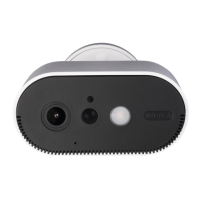
Wählen Sie die Akku Cam
für die Installation aus.
PleasechoosetheBattery
Cam for the installation.
Wählen Sie das Plus aus, um den
Einlernprozess zu starten.
Click on the Plus to start the
installtion process.
4
65
Drücken Sie 1x kurz auf das Einschaltzeichen, um die Kamera
einzuschalten. Die LED unter der Gummiabdichtung leuchtet
dauerharot.
Press 1 time short on the Power icon to power on the camera,
theLEDundertherubberwillglowpermanently.
2


 To Next Page