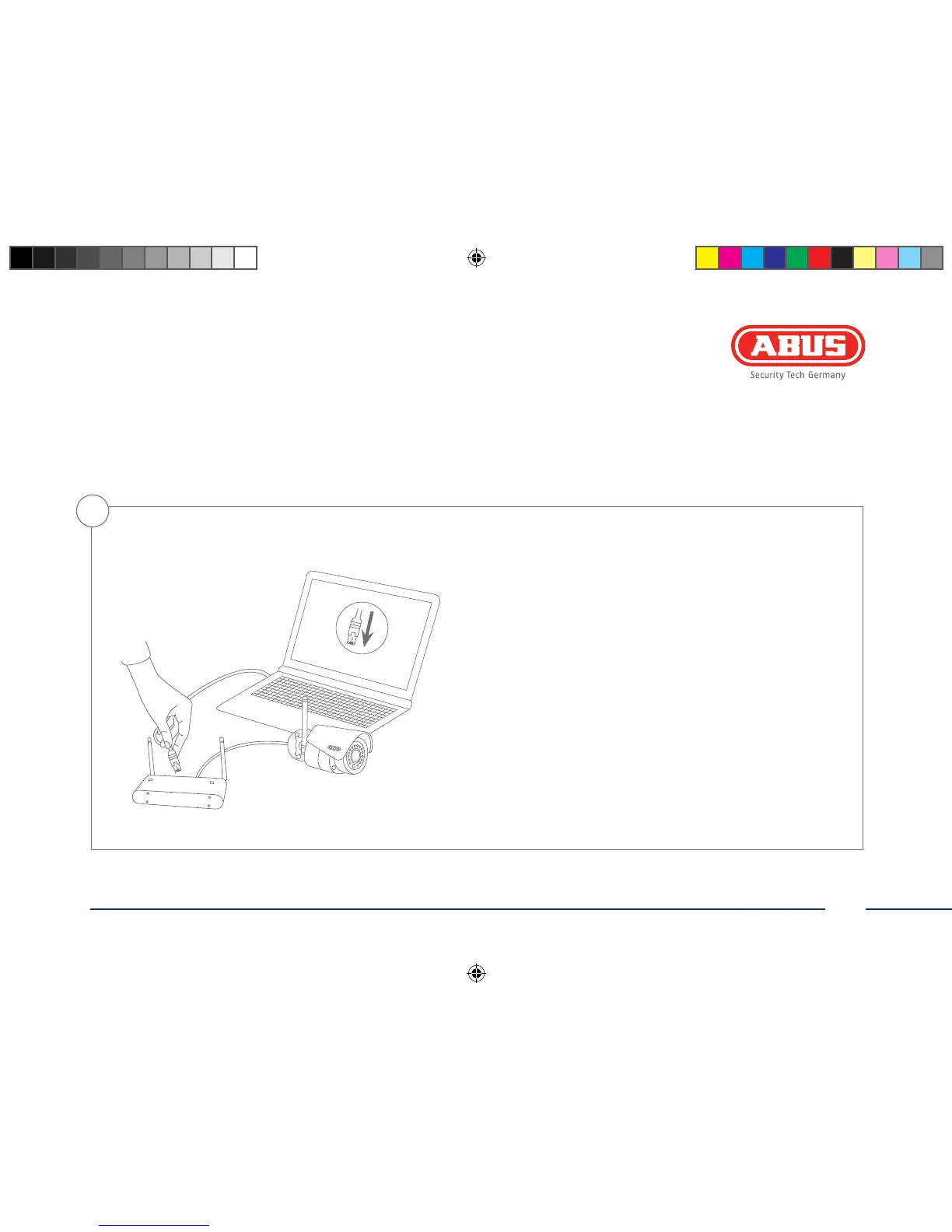
Option 2: Connecting the network camera to a router/switch
• Connect the PC/laptop to the router/switch.
• Connect the network camera to the router/switch.
• Connect the power supply to the network camera.
• If a DHCP server is available in your network (IP address
is assigned automatically via the router), set the network
interface of your PC/laptop to “Obtain an IP address
automatically”.
• If no DHCP server is available, congure the network interface
of your PC/laptop to 192.168.0.2, the default gateway to
192.168.01 and the subnet mask to 255.255.255.0.
• Go to point 3 to nish the initial set-up and establish the
connection to the network camera.
2
140424-Quick-Guide-TVIP61550-Buch-ABr.indb 23 08.05.14 10:05



 To Next Page