4
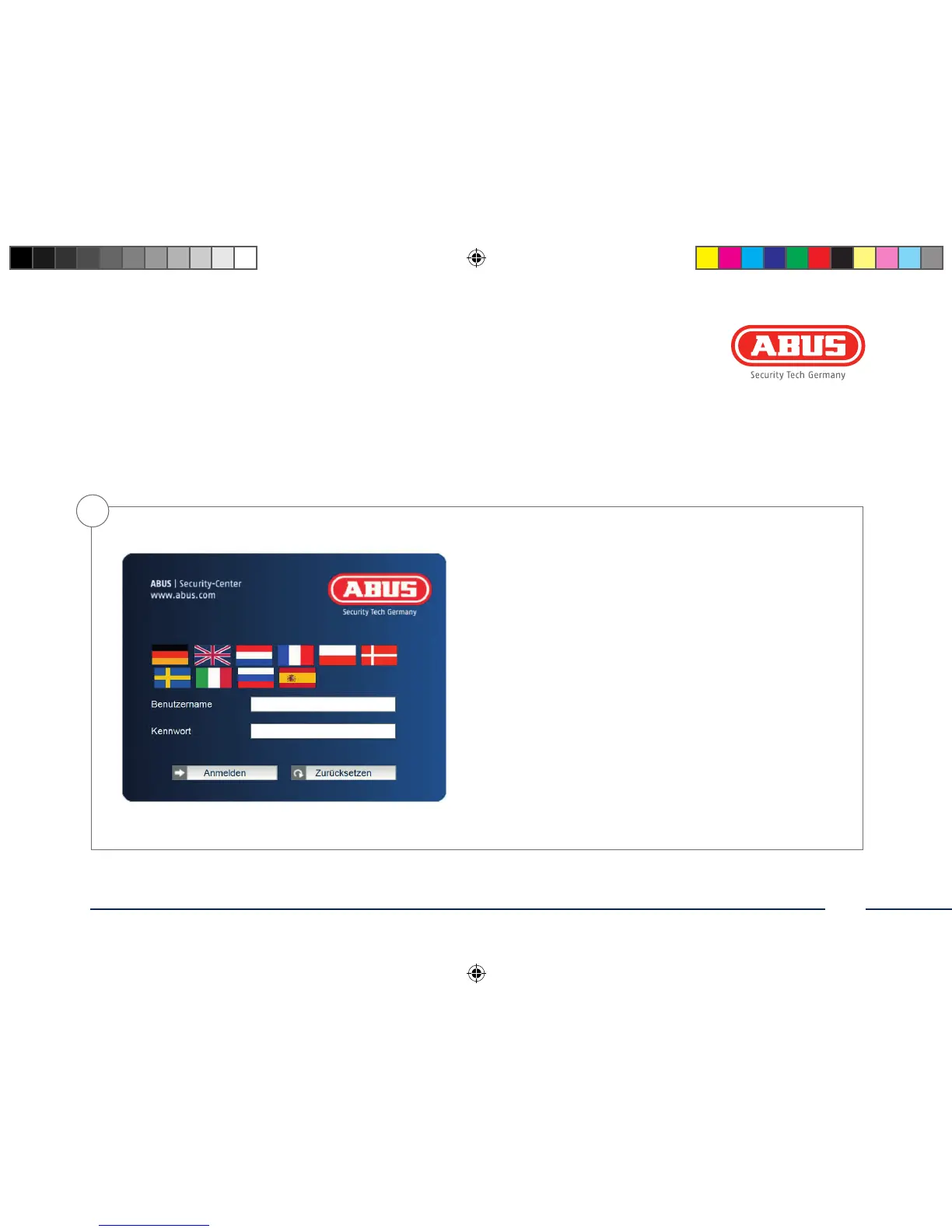
Password prompt
• When delivered, an administrator password is already dened
for the network camera. However, a new password will be
dened for reasons of security. Aer the new administrator
password is stored, the network camera asks for the user name
and password every time it is accessed.
• The administrator account is set up in the factory as follows:
user name “admin” and password “12345”.
• To enter a user name and password, proceed as follows: Open
Internet Explorer and enter the IP address of the camera (e.g.
“http://192.168.0.100”).
• You are prompted for authentication: You are now connected
with the network camera and can see a video stream.
admin
12345
140424-Quick-Guide-TVIP61550-Buch-ABr.indb 25 08.05.14 10:05



 To Next Page