24
English
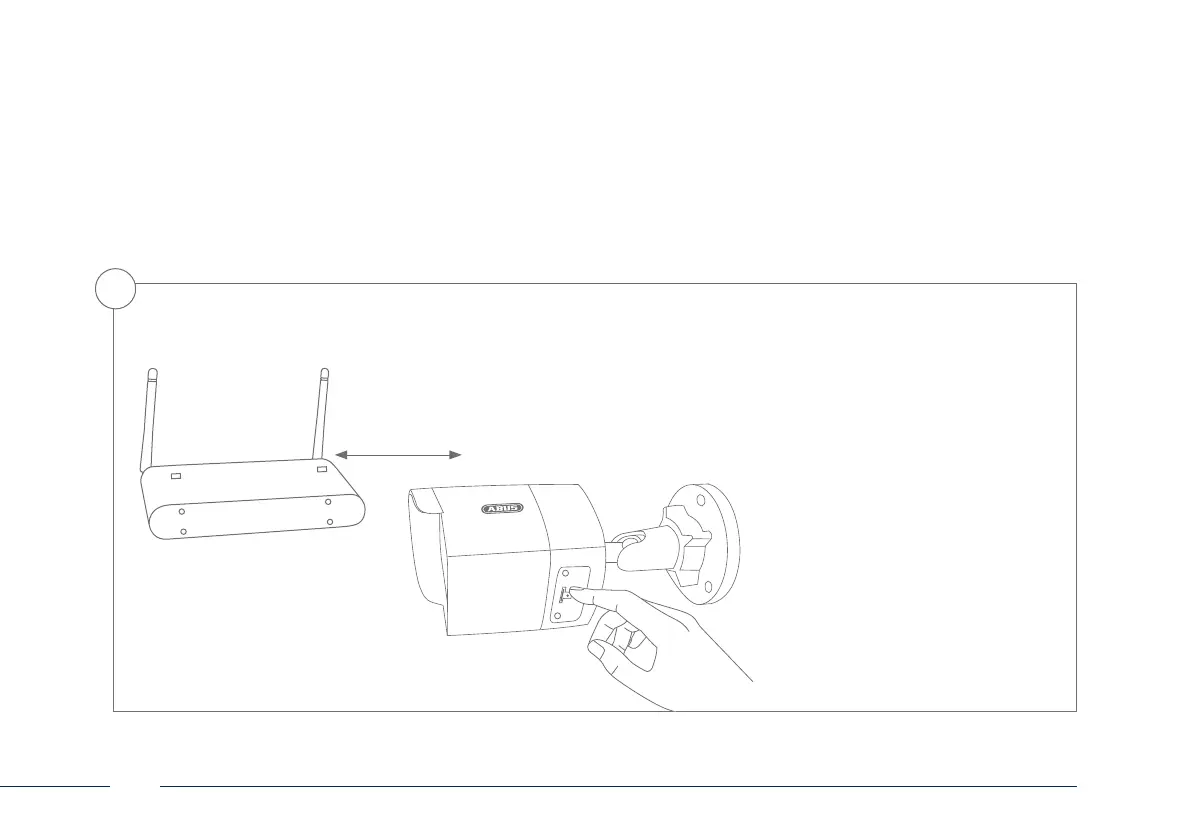
WLAN setup via WPS
• Press the WPS button on your router.
• Press the WPS button on the network
camera within 2 minutes for approx.
10 seconds.
• The WLAN connection between the
router and camera is now established.
• Restart the camera by unplugging the
power supply unit and plugging it
back in.
Option 3:
3



 To Next Page