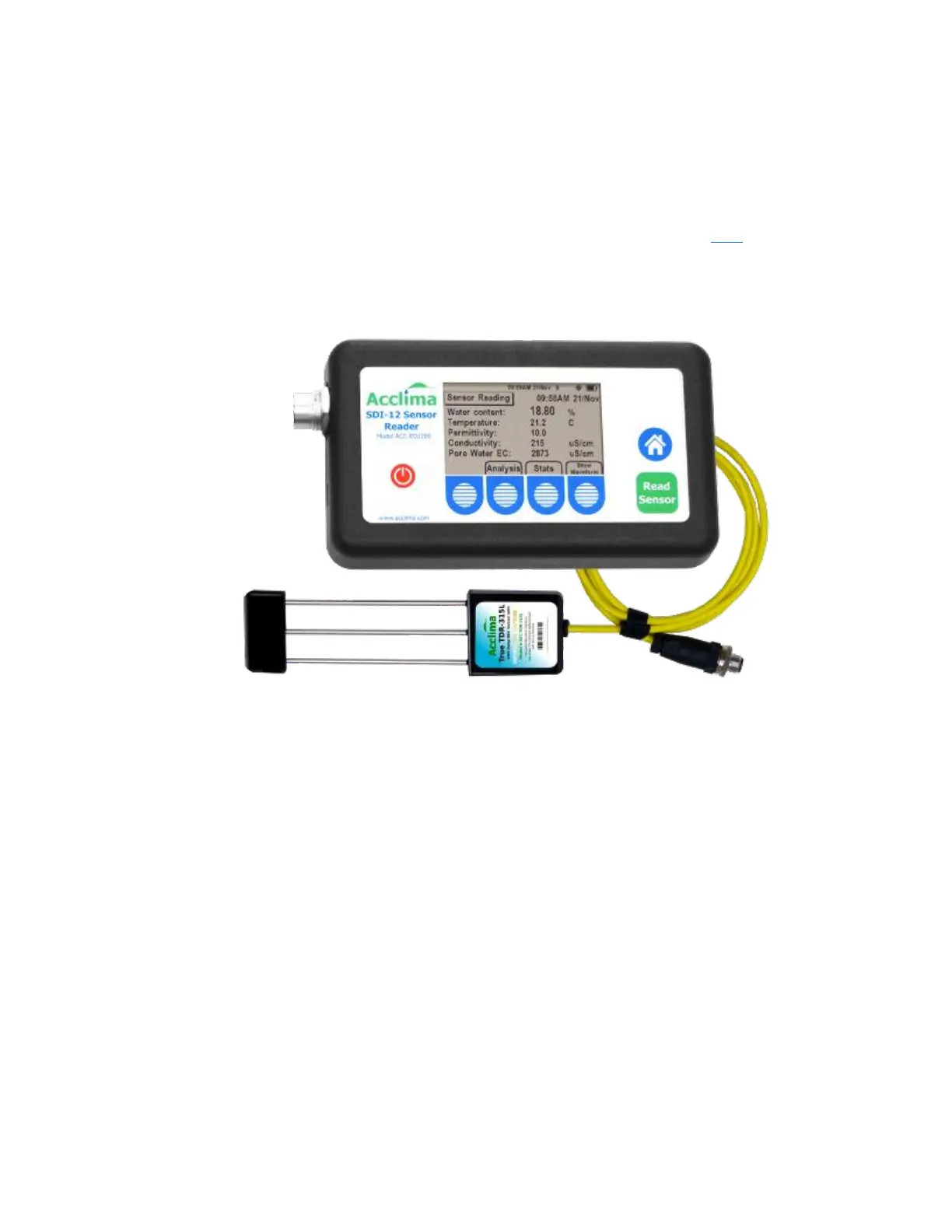
The most convenient method of setting sensor addresses is to use an Acclima SDI-12 Reader. With a few
button pushes a sensor can be re-addressed. At the same time the reader can be used to take both
readings and waveform images from the sensor to assure that the sensor is installed tightly in the soil
and reporting properly. GPS coordinates can also be provided from the reader to document the location
of the sensor. After each sensor has been individually addressed the full set of sensors can be
connected to the data recorder for operation. For more information contact Acclima here.
If an Acclima SDI-12 reader is not available then the address setting can be done through the data
recorder or other SDI-12 device that the sensor is connected to. This may require the use of a laptop and
special software provided by the data recorder manufacturer.
Connecting the Sensors to the Data Recorder:
The wiring diagram for the sensor connection to the data recorder is shown below. All sensors are
connected in parallel to the terminals on the data recorder or to a cable connected to the data recorder.
If a cable is used to connect multiple sensors to the data recorder and if concurrent readings are to be
taken the voltage drop in long cables may become an issue. For example: 5 sensors operating
simultaneously could draw up to 400 mA of current and cause a voltage drop of 3 volts in a 250 foot
cable comprised of 22 gauge wire. Such a drop could cause the sensors to misread or misreport. To
avoid this do not use concurrent commands or insure that long cables are of sufficient wire gauge to
handle the current spike without voltage drops in excess of 1 volt.


 To Next Page
 Loading...
