20
Zone Programming Group 3 Night Set
In programming mode:
The first digit entered is 3 for Night Set.
The second digit is the zone number (1 8).
The third digit is the zone type.
Example: In Programming Mode press 3 + 2 + 3. This programmes zone 2 as an
Alarm in the Night Set mode and is accompanied by two beeps, indicating
a correct entry.
To review the programming: press the 3 key followed by 00. The zone type is indicated
on the keypad zone LEDs (Icon display) for zone 1 (accompanied by one beep), then
zone 2 (accompanied by one beep), etc.
Note: Zone type nine (Fire) is represented by the tamper LED (9) and zone type zero
(Not used) is indicated by the Day LED (0).
Programming System Options
System Programming Group 4 System Options
The first digit entered is 4 for System Options.
The second digit is the required system option (1 9).
The third digit is the option value.
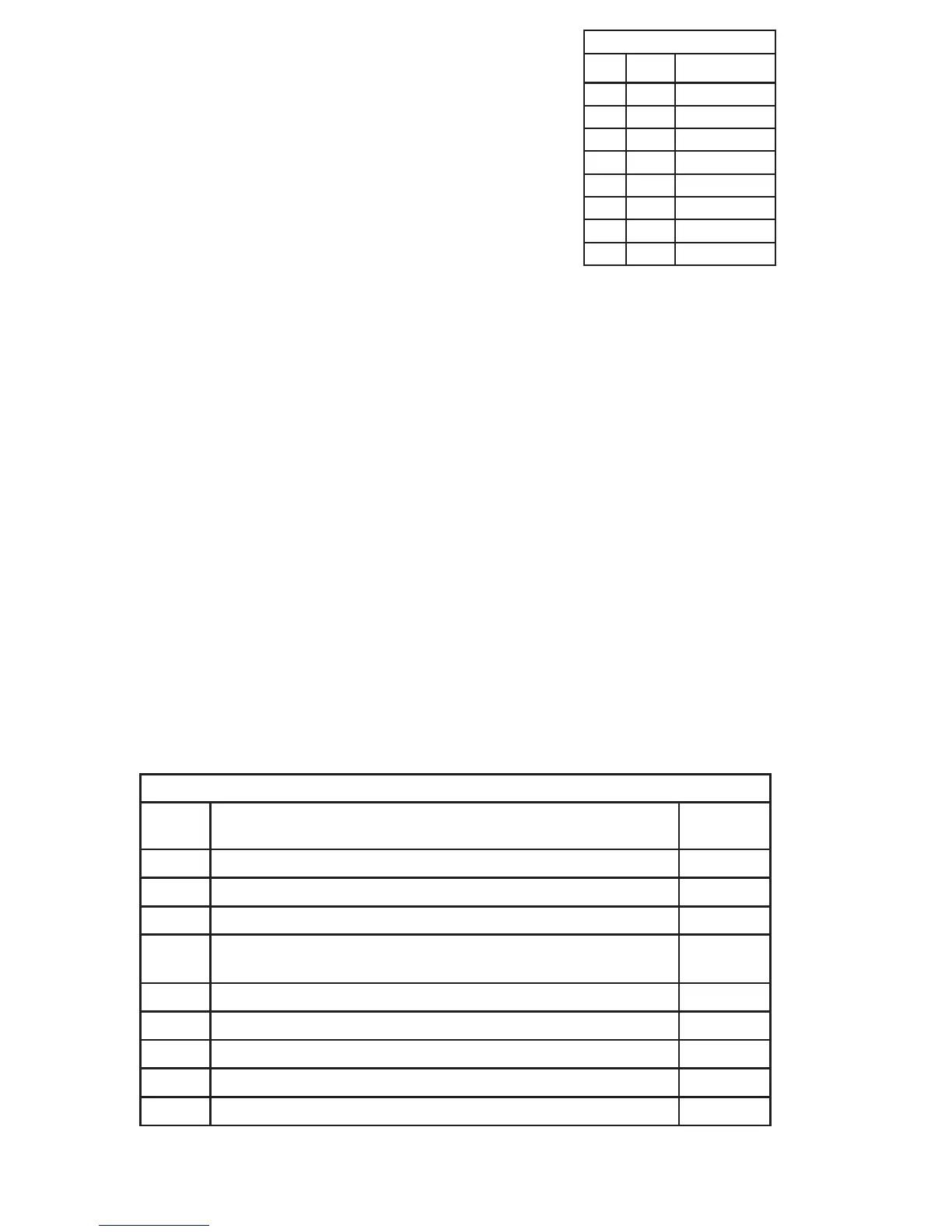
Table 3.4 Night Set Zones
Table 3.5 Group 4 System Options
Note: The default programming is shown
in brackets in Table 3.4.
SNOITPOMETSYS
PUORGNOITPOTLUAFED
4emiTtixE=9–1,tcatnoClaniF=0(emiTtixE=1 × .)s01)3(
4.)s01×emiTyrtnE=9–1(emiTyrtnE=2)3(
4eeS—emiTffo-tuClleB=3 6.3elbaT .semiTffo-tuClleB)8(
4
lanretnIdnadapyeK=2,dapyeK=1,tneliS=0(gninraWtixEteStraP=4
.)srednuoS
)0(
4.)seY=1,oN=0(teStraPniebortSdnaslleBlanretxE=5)1(
4.)seY=1,oN=0(teSthgiNniebortSdnaslleBlanretxE=6)1(
4eeS—tuptuOreggirT=7
stuptuOreggirT—7noitpO
.)3(
4)seY=1,oN=0(teSysaE=8)0(
4)ttaBwoL/liaFsniaM=2,ttaBwoL=1,liafsniaM=0(htiwteStneverP=9)0(


 To Next Page
 Loading...