4242
13. Soft13. Software ware for all modelsfor all models
Free Software Download – WinPowerFree Software Download – WinPower
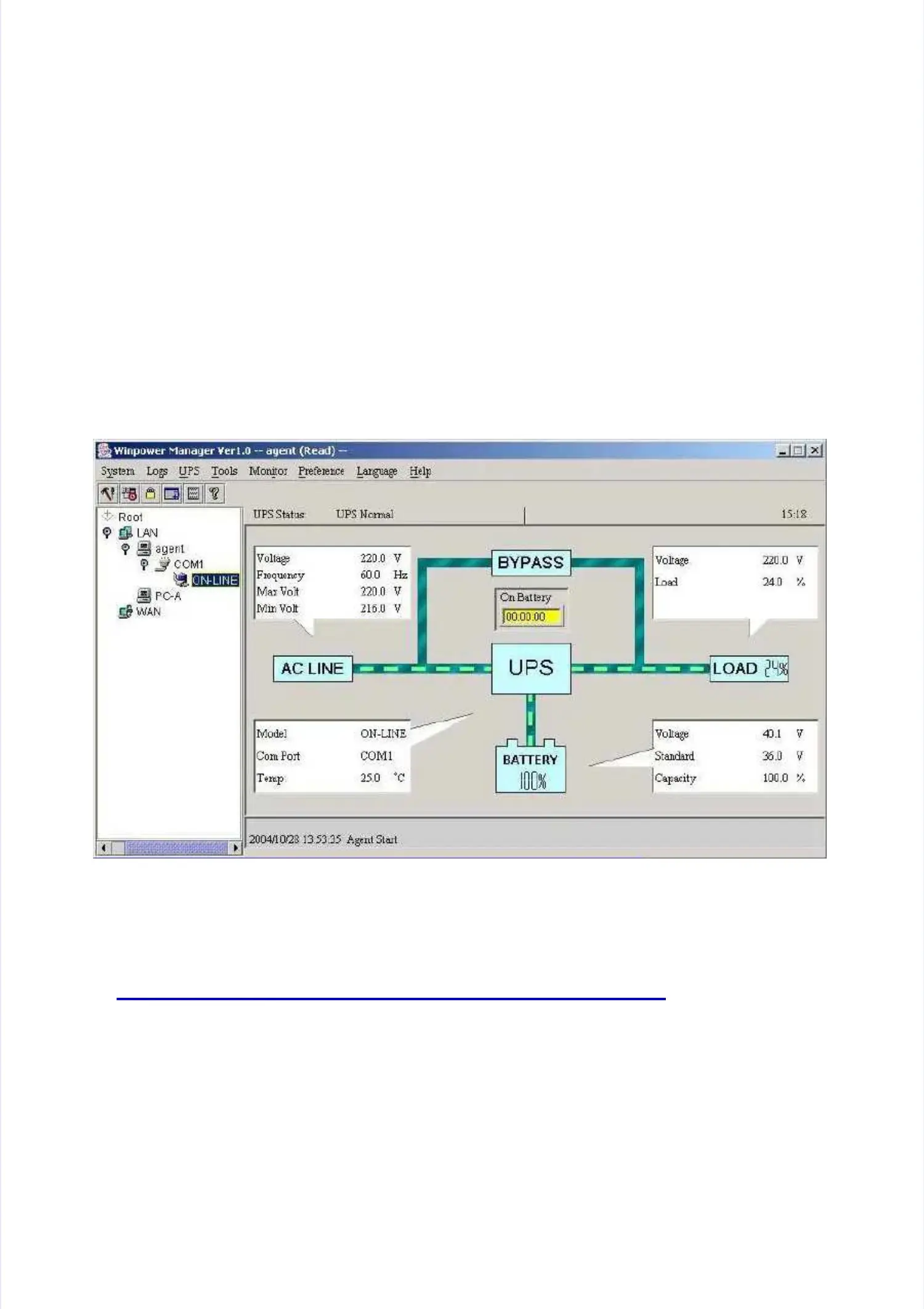
WinPower is a brand new UPS monitoring software, which providesWinPower is a brand new UPS monitoring software, which provides
user-friendly interface to monitor and control your UPS. This uniqueuser-friendly interface to monitor and control your UPS. This unique
software provides safely auto shutdown for multi-computer systemssoftware provides safely auto shutdown for multi-computer systems
while power failure. With this software, users can monitor and controlwhile power failure. With this software, users can monitor and control
any UPS on the same LAN no matter how far from the UPSs.any UPS on the same LAN no matter how far from the UPSs.
Installation procedure:Installation procedure:
1. Go to the web site:1. Go to the web site:
http://www
http://www.ups-software-download.com/winpower.ups-software-download.com/winpower.htm.htm
2. Choose the operation system you need and follow the instruction2. Choose the operation system you need and follow the instruction
described on the website to download the software.described on the website to download the software.
3. When downloading all required files from the internet, enter the serial3. When downloading all required files from the internet, enter the serial
No:No: 511C1-01220-0100-478DF2A511C1-01220-0100-478DF2Ato install the software.to install the software.
When your computer restarts, the WinPower software will appear as aWhen your computer restarts, the WinPower software will appear as a
green plug icon located in the system tray, near the clock.green plug icon located in the system tray, near the clock.


 To Next Page
 Loading...