WinCEGeräte_Handbuch_Administration_v2 00_en 49 / 84
In the bt_gprs profile under Start / Settings /
Network and Dial-up Connections, click the
Connect button to connect GPRS to
Bluetooth and the mobile phone. You can
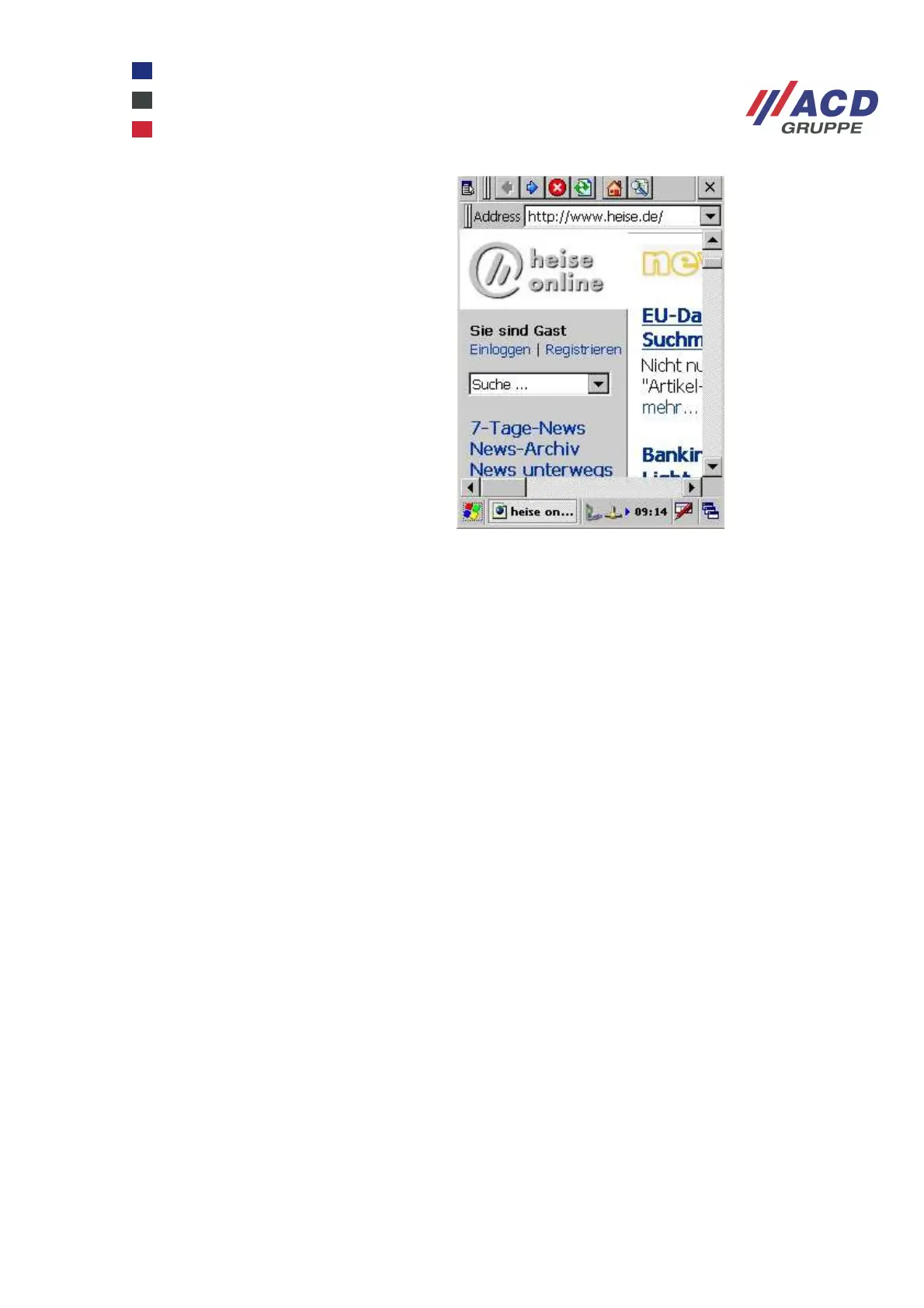
now access the Internet from a suitable
program such as a browser.



 To Next Page