Page 7
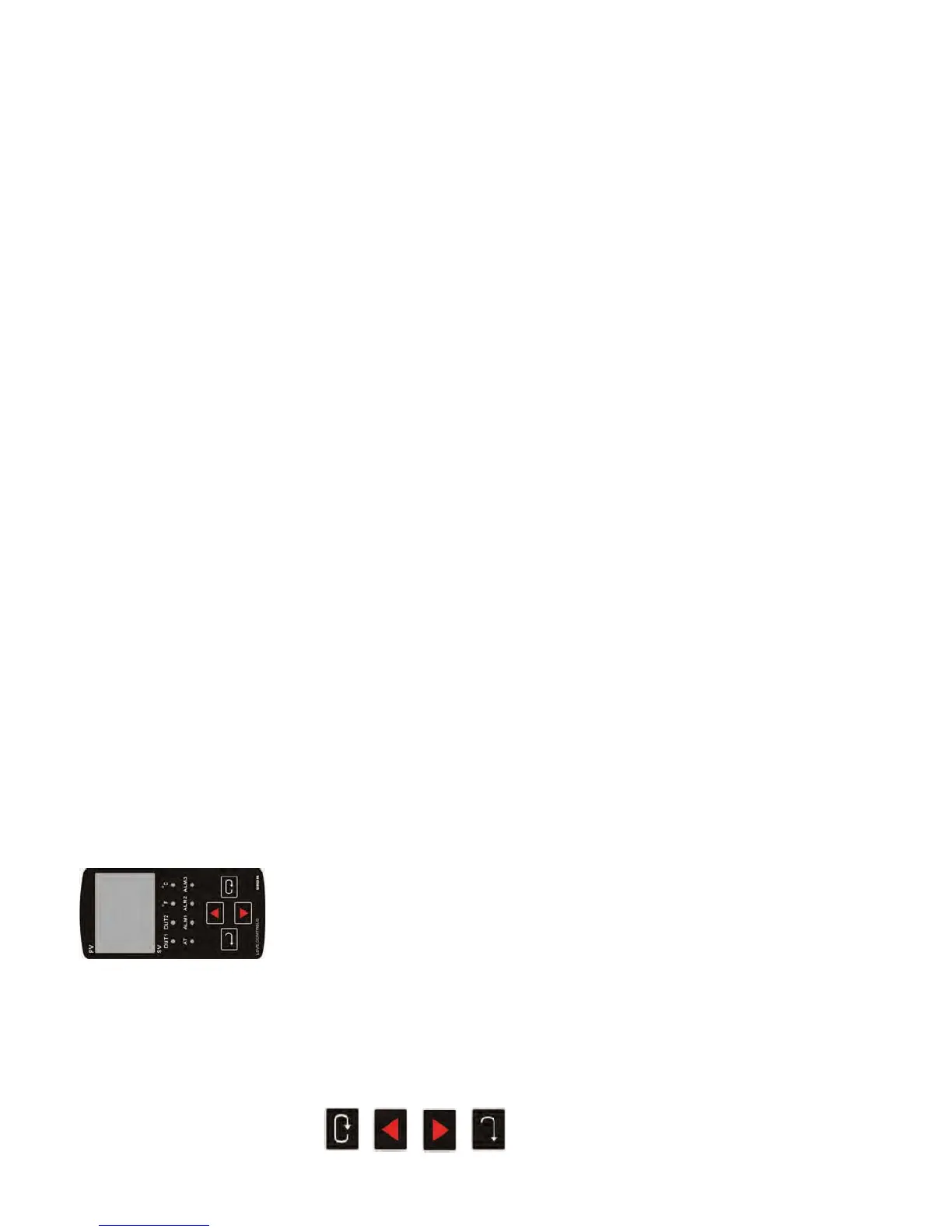
FRONT KEY FUNCTIONS
Key functions are as follows:
INDEX: Pressing the INDEX key advances the display to the next menu
item.
UP ARROW: Increments a value or changes a menu item. If pressed
during the Operation Mode, the set point value will be increased.
DOWN ARROW: Decrements a value or changes a menu item. If pressed
during the Operation Mode, the set point value will be decreased.
ENTER: Stores the value or item change. If not pressed, the previously
stored value or item will be retained. When pressed during the Operation
Mode, the controller switches to the Regulation Mode. If held for more
than 3 seconds during the Operation Mode, the controller switches to
the Initial Setting Mode. If pressed during the Regulation Mode or
Initial Setting Mode, the controller will return to the Operation Mode.
SECURITY FEATURES
The C series controller has two built in security lock settings to prevent
unauthorized personnel from changing parameter settings. These
parameters are set in the Operation Mode.
The LoC1 setting affects all parameters in the controller. If LoC1 setting is
enabled, the operator will have to unlock the controller to make any changes
to the controller’s parameters.
The LoC2 setting affects all parameters except the set point. If LoC2 setting
is enabled, the only parameter that the operator will be able to change is the
set point. In order to change any other parameters, the operator will have to
unlock the control before making a change.
In order to unlock the control, the operator must depress the ENTER and
INDEX key simultaneously.
Page 8
CONTROL OPERATION DESCRIPTION
The HOME display is the normal display while the control is operating. If no
errors or functions are active, the HOME display will indicate the Process
Variable that is being measured on the top display and the Set Variable on
the bottom display.
Error Messages are shown on page 18.
Heating or Cooling
Temperature Control can be achieved by either heating or cooling. Please
refer to the following for the operation of each setting.
Control Modes are selected by changing the S-HC parameter in the Initial
Setting Mode.
Select HEAt, for heating or reverse acting control for output 1.
Select CooL, for cooling or direct acting control for output 1.


 To Next Page
 Loading...