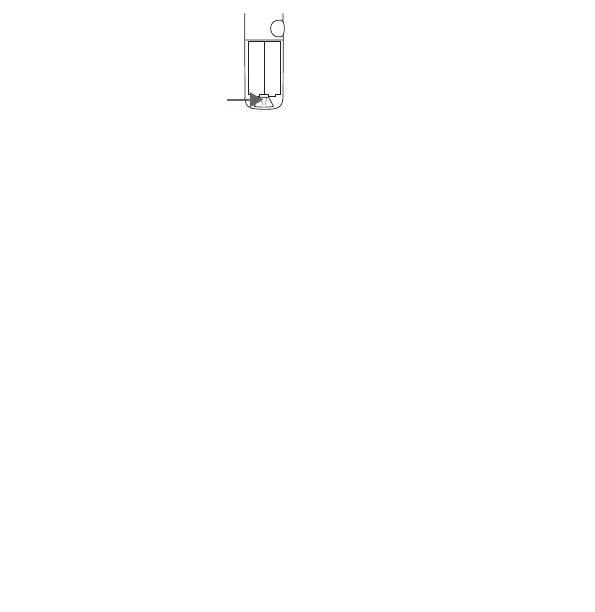
3. Press and hold the Pairing
button inside the battery
compartment for each
controller until the lights on
the controller begin pulsing.
4. Wait until the controller
appears at the bottom of the
list. Select to pair.
After the controllers are connected, close the
battery compartments.
Continue with the Mixed Reality instructions
to finish setting up your headset.


 To Next Page