7Getting to know your smartphone
Home button indicator
The Home button is surrounded by a colored ring that indicates power status.
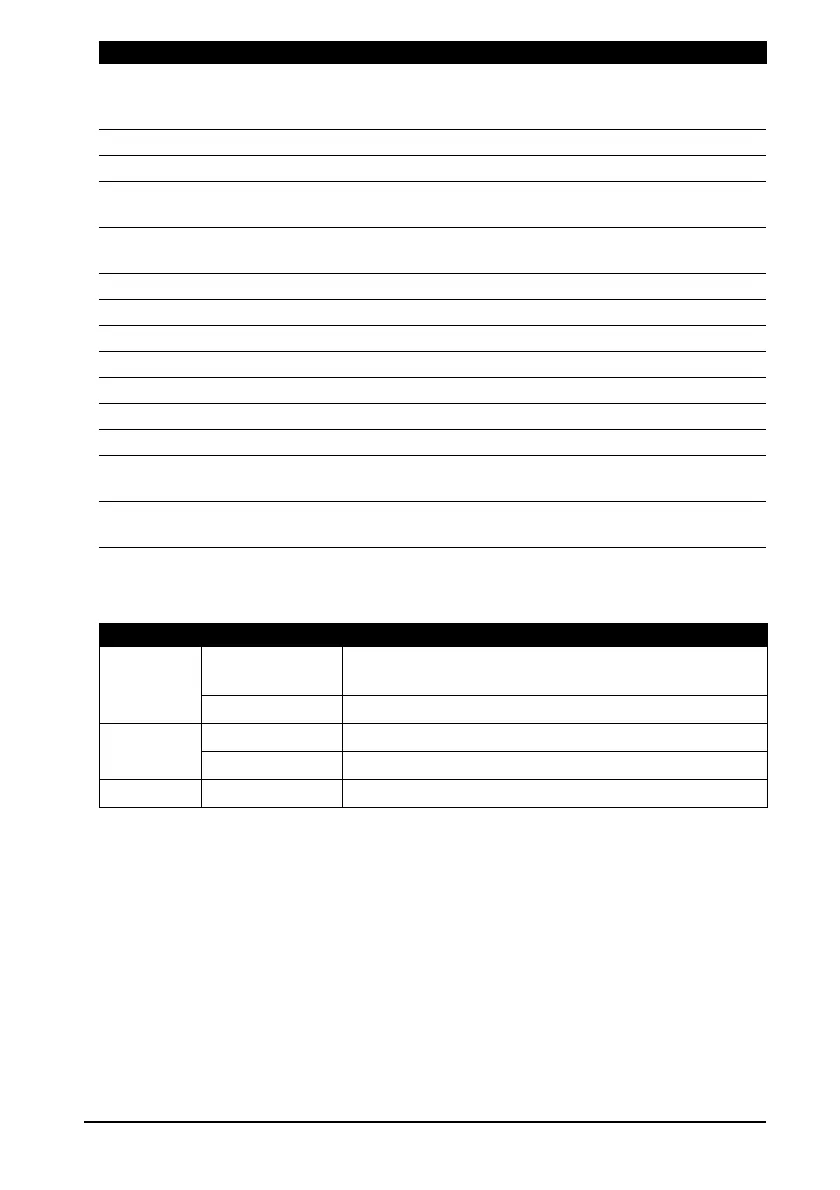
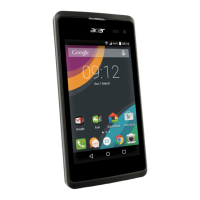
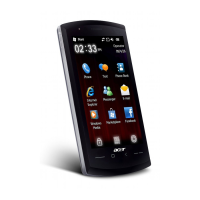
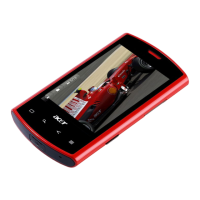
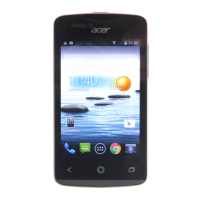
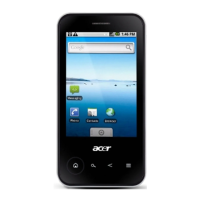
No. Item Description
1 Power button Press to turn the screen on/off or enter sleep mode;
press and hold for more than three seconds to turn
the smartphone off.
2 3.5 mm headset jack Connect to a headset.
3 Phone speaker
Suitable for normal phone use.
4 Touchscreen 480 x 320 pixel capacitive touchscreen to display
data, phone content and enter information.
5 Home button Return to the Home screen; tap and hold to view
recently-used applications.
6 Search button Open the Quick Search box.
7 Back button Go back one menu step.
8 Menu button Opens the option menu.
9 Micro USB connector Connect to a USB cable/charger.
10
Microphone Internal microphone.
11 Volume control Increase or decrease the ringer/system volume.
12 Camera button Activate the camera or take a picture.
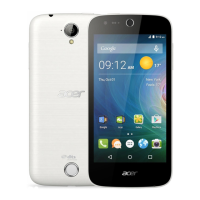
13 Camera A 3.2-megapixel camera for taking high-resolution
images.
14 Handsfree speaker Emits audio from your smartphone; suitable for
handsfree use.
Color State Description
White Steady (10
seconds)
The device is waking up.
Slow flashing New event (missed call, new message, voicemail etc.)
Red Steady Battery is charging.
Flashes rapidly Battery level is critically low.
Green Steady Battery is fully charged.


 To Next Page