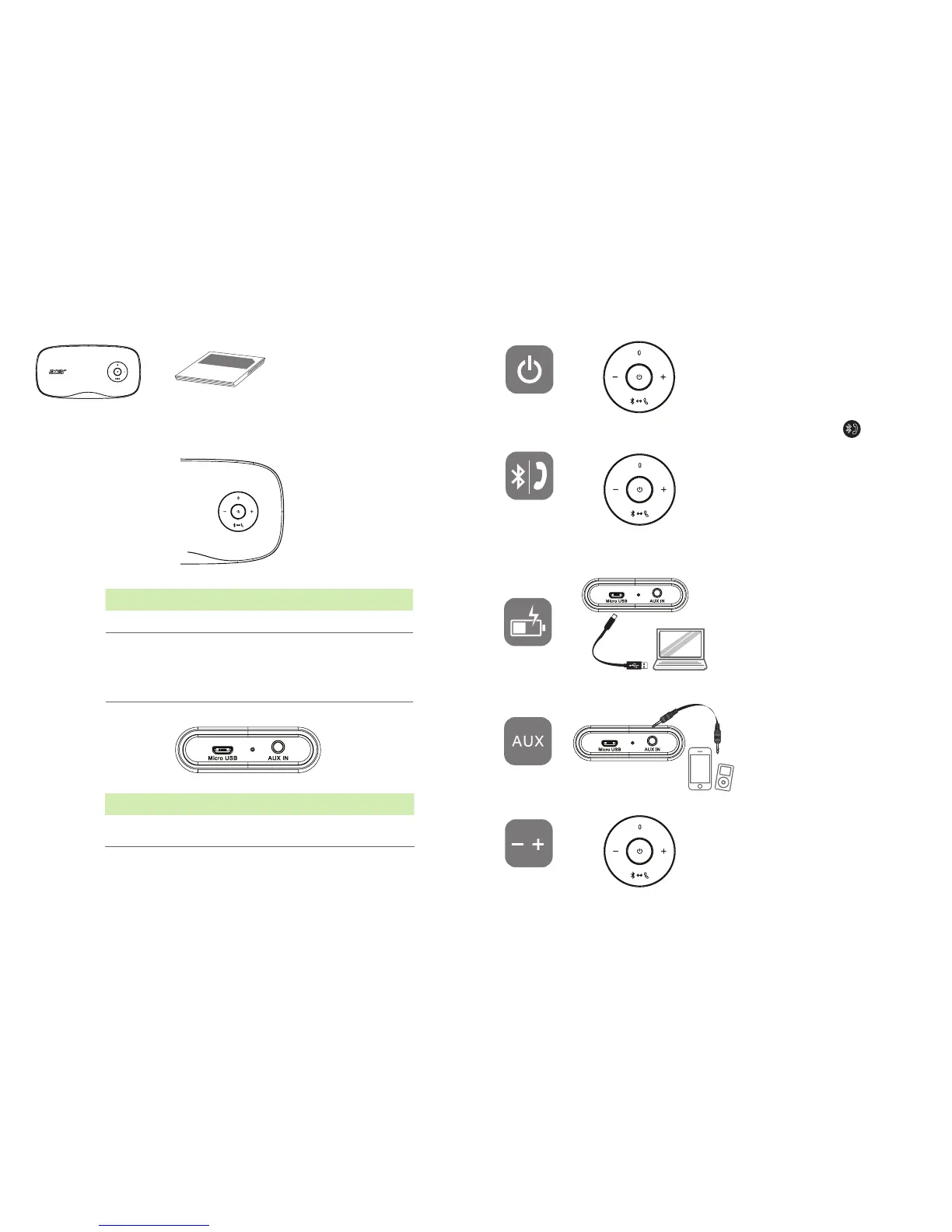
Illustrations are for reference only. Actual product specifications may vary.
Battery Type
System Type
Frequency
Temperature
Net weight
Rated Input
3.7V 3000mAh
2.0 Channels
180Hz -20KHz
45°C
586g
5V DC, 1A
Press this button to switch ON.
Press again to power o.
System will power o after 10 mins
when no signal inputs.
X5 Speaker Instruction Manual
Color
Power Mode Indicators Status
Blue ON Bluetooth Pairing Fast ashing
Blue ON Bluetooth Ready Solid
White Stanby After 5 mins without
audio input
Breathing lights
White ON Aux in Solid
Color
Power Mode Indicators Status
Red ON Low Power Flashing twice every
20 seconds
Red ON/OFF Charging Breathing lights
Red ON/OFF Full Charging Solid
Bluetooth/
Handsfree
Charging
Aux In
Power Switch
Volume
Press and hold the button for 3
secs to activate Bluetooth Pairing
mode, and meantime the blue
light is ashing.
The user then activates the device
of the cell phone for pairing with a
Bluetooth device. It is connected
successfully when blue light turns
steady.
To charge it, connect it with com-
puter through a micro USB cable.
The power LED will ash red light
when charging and turn solid light
after full charging. Battery life is
rated at 6~8 hours of use. Please
note actual battery life may vary
with use.
Connect an external audio device
such as mobile phone through a
3.5mm cable to play music.
Press the +/- button to increase
or decrease volume while playing
music or in hands-free mode.
English



 To Next Page