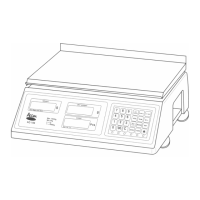
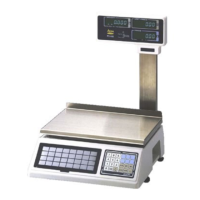
Once you have unboxed your PC-100 you must determine whether you
have a Pole or Standard display model. If you have a Standard display
model, simply connect the power cord to the scale and then to a 230 VAC
60 Hz outlet. If you have Pole display model follow the instructions below
on how to assemble it.
disd
Safety Precautions
Place the scale on a flat and rigid surface
Place the scale far from strong RF interference
Level the scale using its adjustable feet
Do not subject the platter to sudden impacts
Do not spill the water or any other liquid on the scale
Do not use any solvents to clean the scale
Do not remove the safety ground on the power cord
Display Pole
Display Bracket
Pan Screw M 4x8x2Pcs
Display Bottom Cover
Pan Screw M 3x6x4Pcs
5


 To Next Page
 Loading...