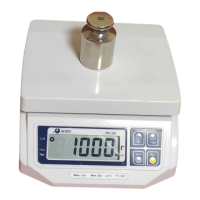
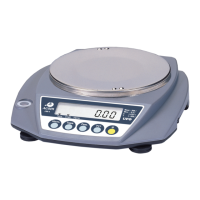
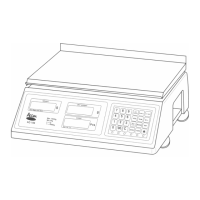
Operating the scale
Make sure the platter is sitting properly on top of the platform and that
there is nothing on top of the platter. Also, make sure that the scale is
plugged into the proper outlet. Place the power switch into the ON
position. The scale displays will run through a self test, count down to
zero, and then beep. All of your displays should look as follows:
Simple Weighing:
1. Enter a unit price using the numeric keys.
2. Place an item on the platter.
3. Remove the item from the platter.
Steps 1 and 2 can be interchanged. After step 2 you will notice that the Total
Price display will show the calculated Total Price. For example:
After step 3 you will notice that the displays will return to there initial state of
0.00.
Disabling the Auto-Clear Feature:
If you press the SAVE key before any operations, the SAVE light will come
on. This will prevent the Weight and Unit Price displays from auto-clearing
which is very useful for pre-packing.
6


 To Next Page
 Loading...