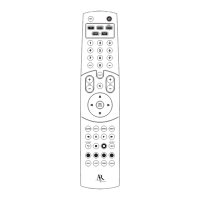
Add a new activity in the EZ-RC™ Remote Control Setup Wizard.
Choose Advanced Wizard
For the “Watch Satellite” or “Watch Cable” activity, choose the Advanced
Wizard and click the Next button to continue.
A screen appears showing you the steps you’ll go through to set up the activity
using the Advanced Wizard. Click the Next button to continue.
Choose the activity you want to set up (Watch Satellite or Watch Cable)
The next screen shows you a list of activities you can set up. Choose Watch
Satellite or Watch Cable. Press the Next button to continue.
Name the activity
The next screen lets you customize the name of this activity. Type in a new
name for this activity or leave it as “Watch Satellite” or “Watch Cable”. Then
click Next.



 To Next Page
 Loading...